Multi-Warehouse Inventory Management Software
Business & Operations One stockroom view across every warehouse — receipts, issues, transfers and FIFO costing, always accurate.You'll sign in (or create a free account) first — your app is linked to it.
About this app
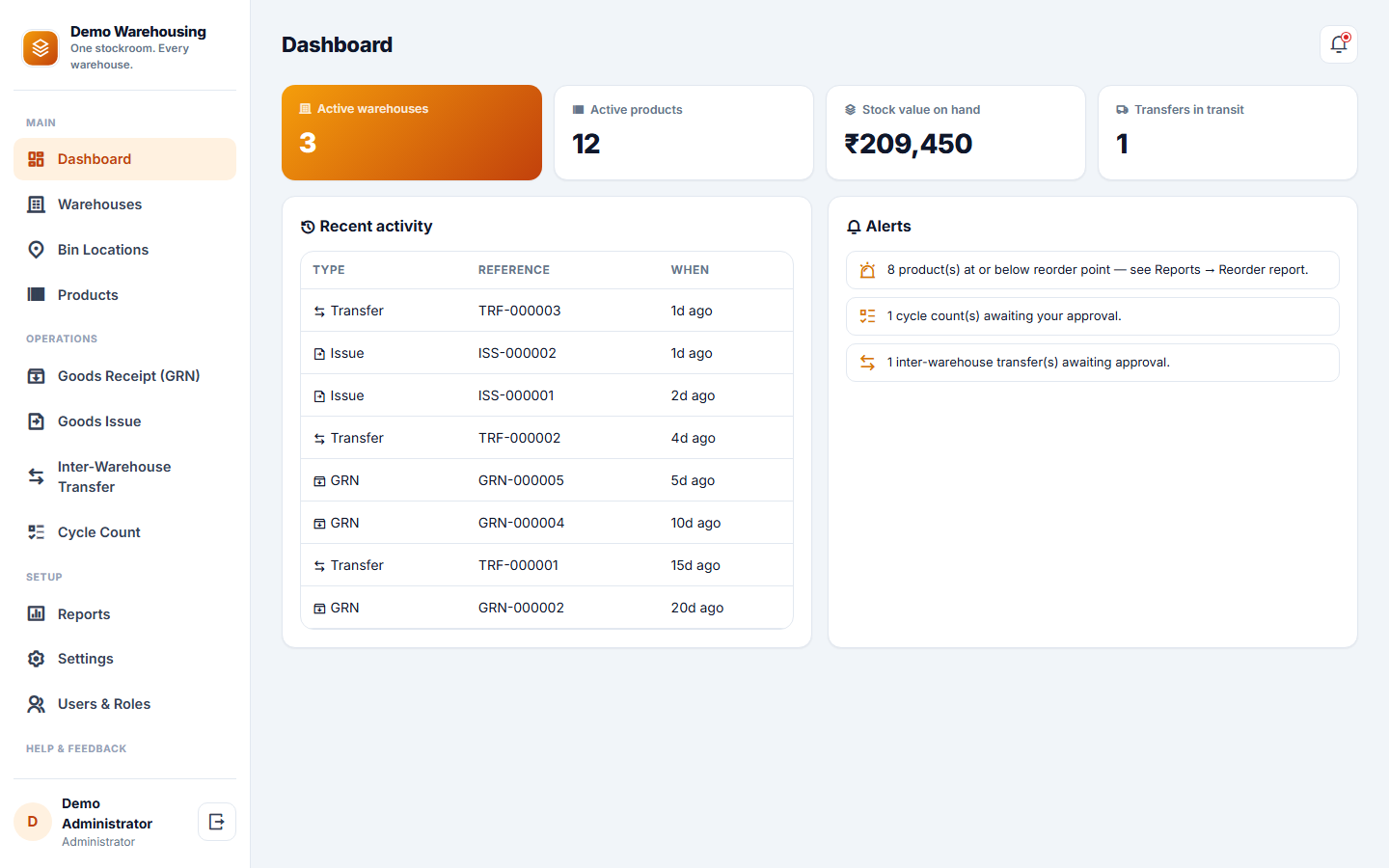
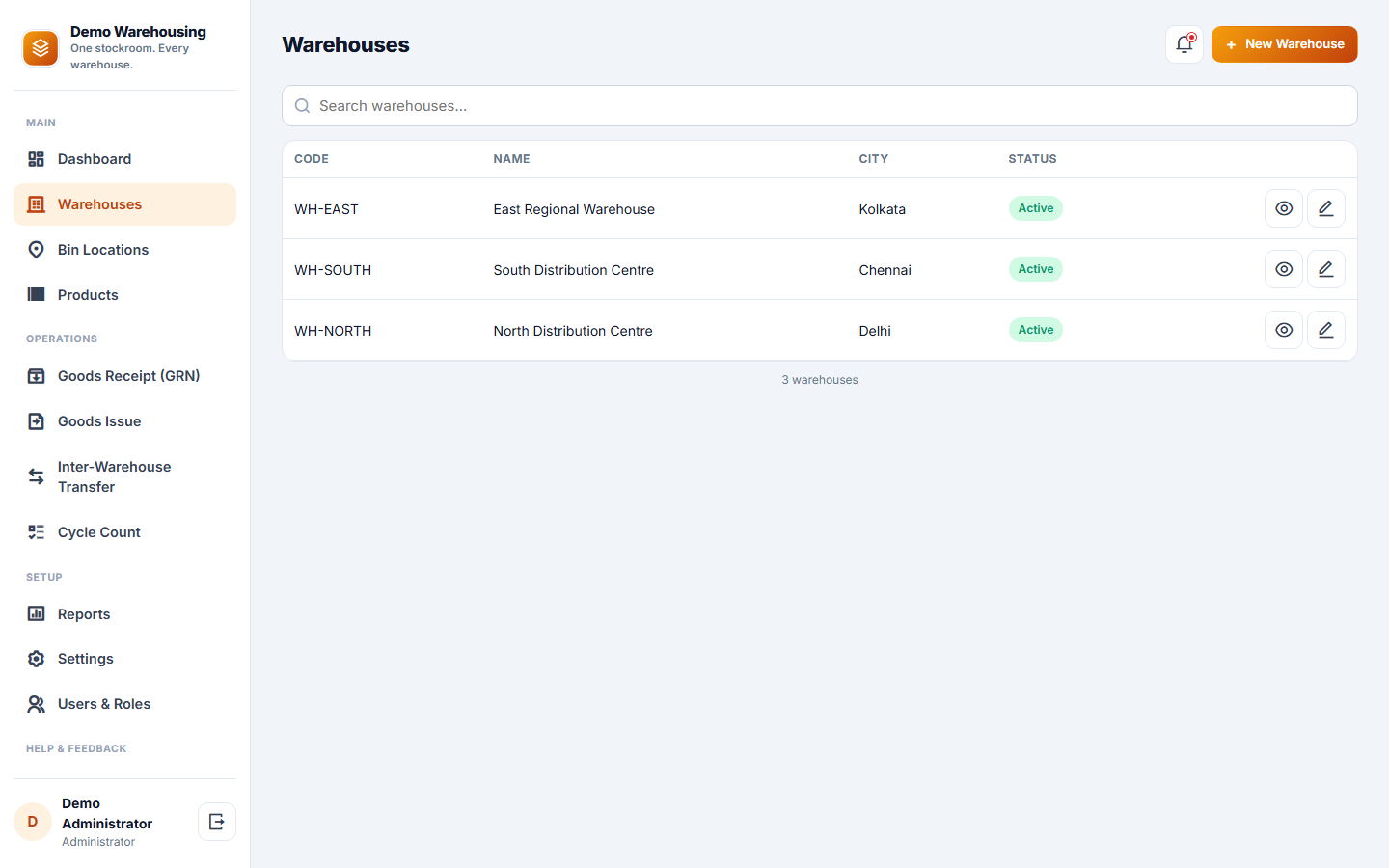
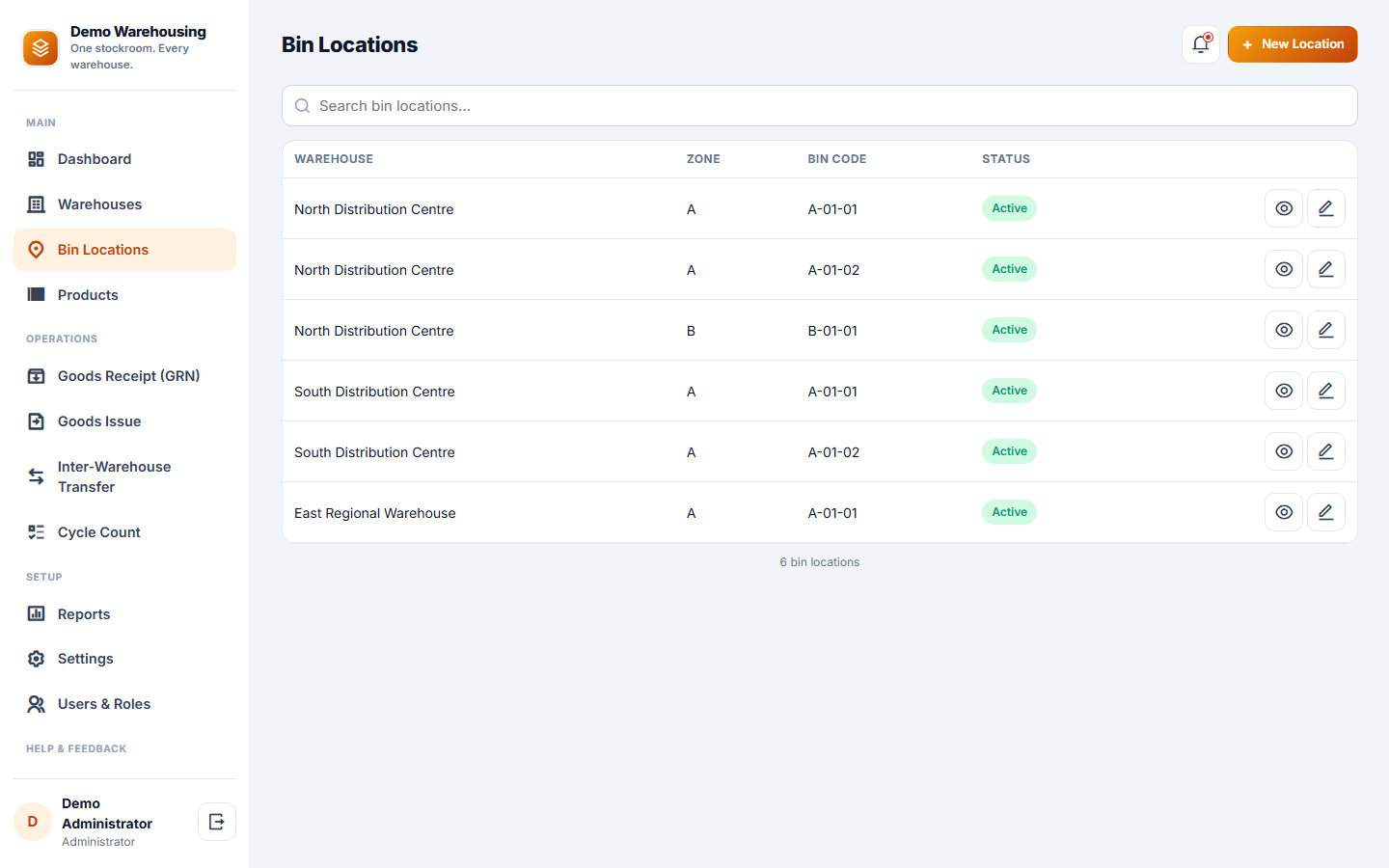
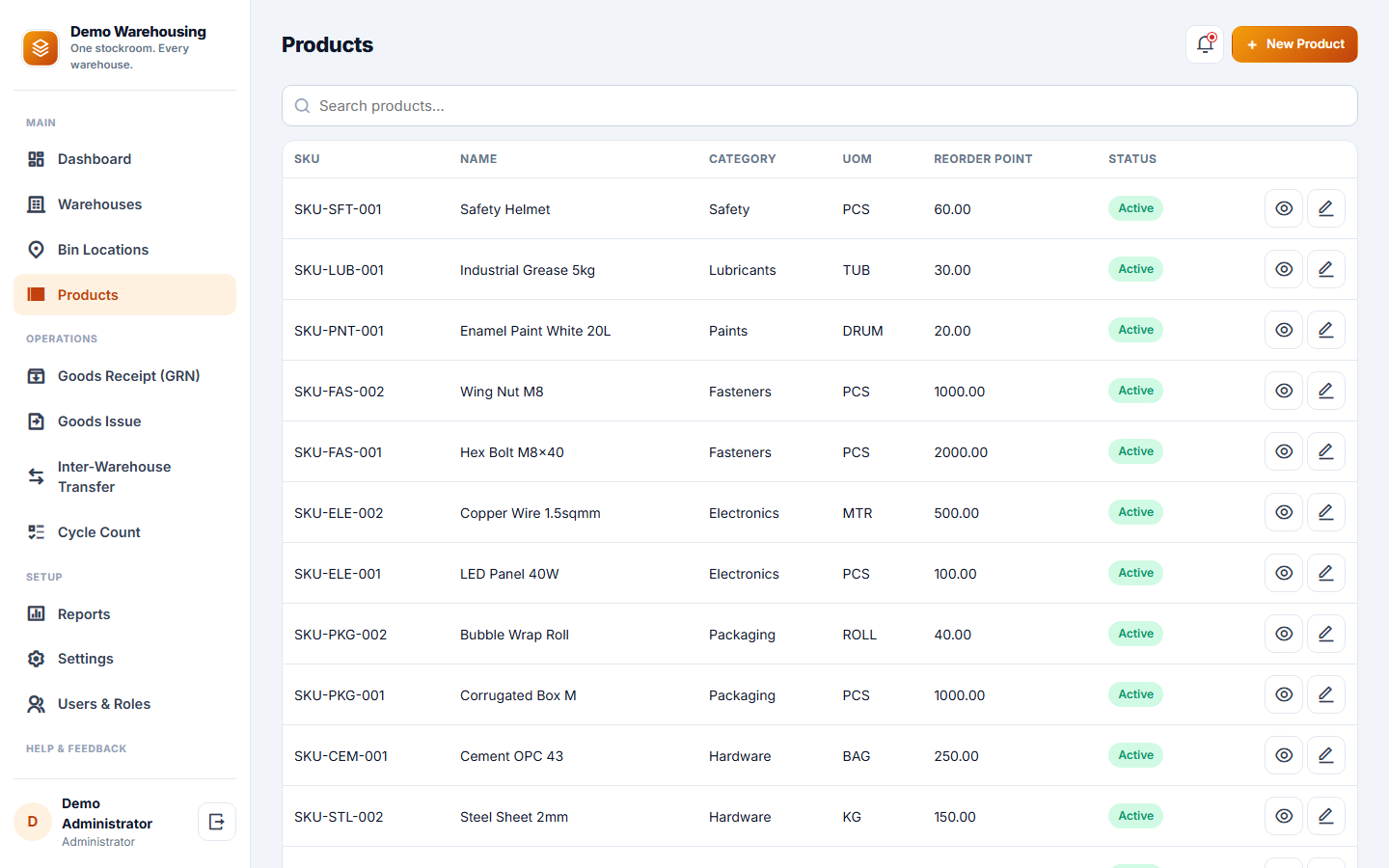
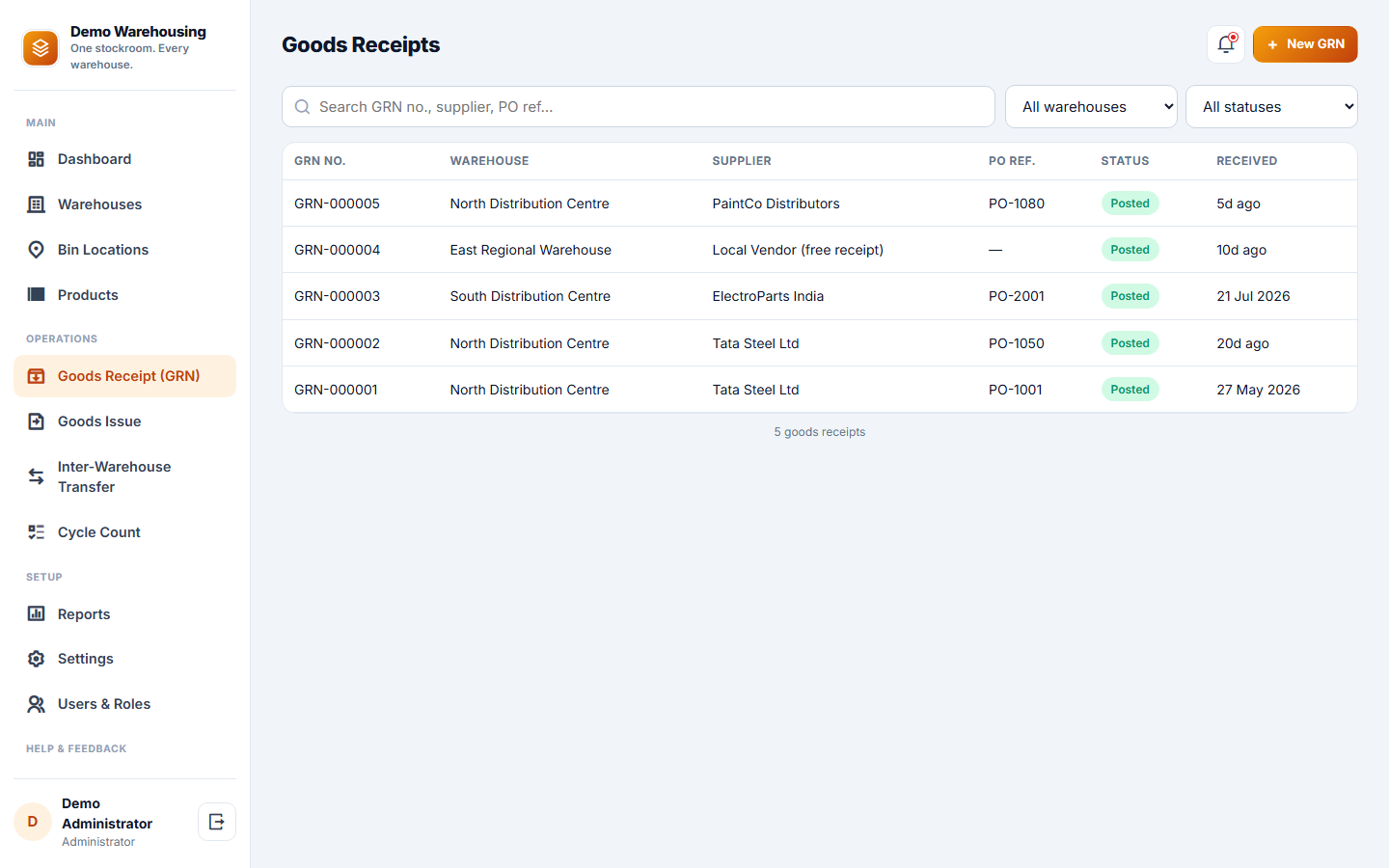
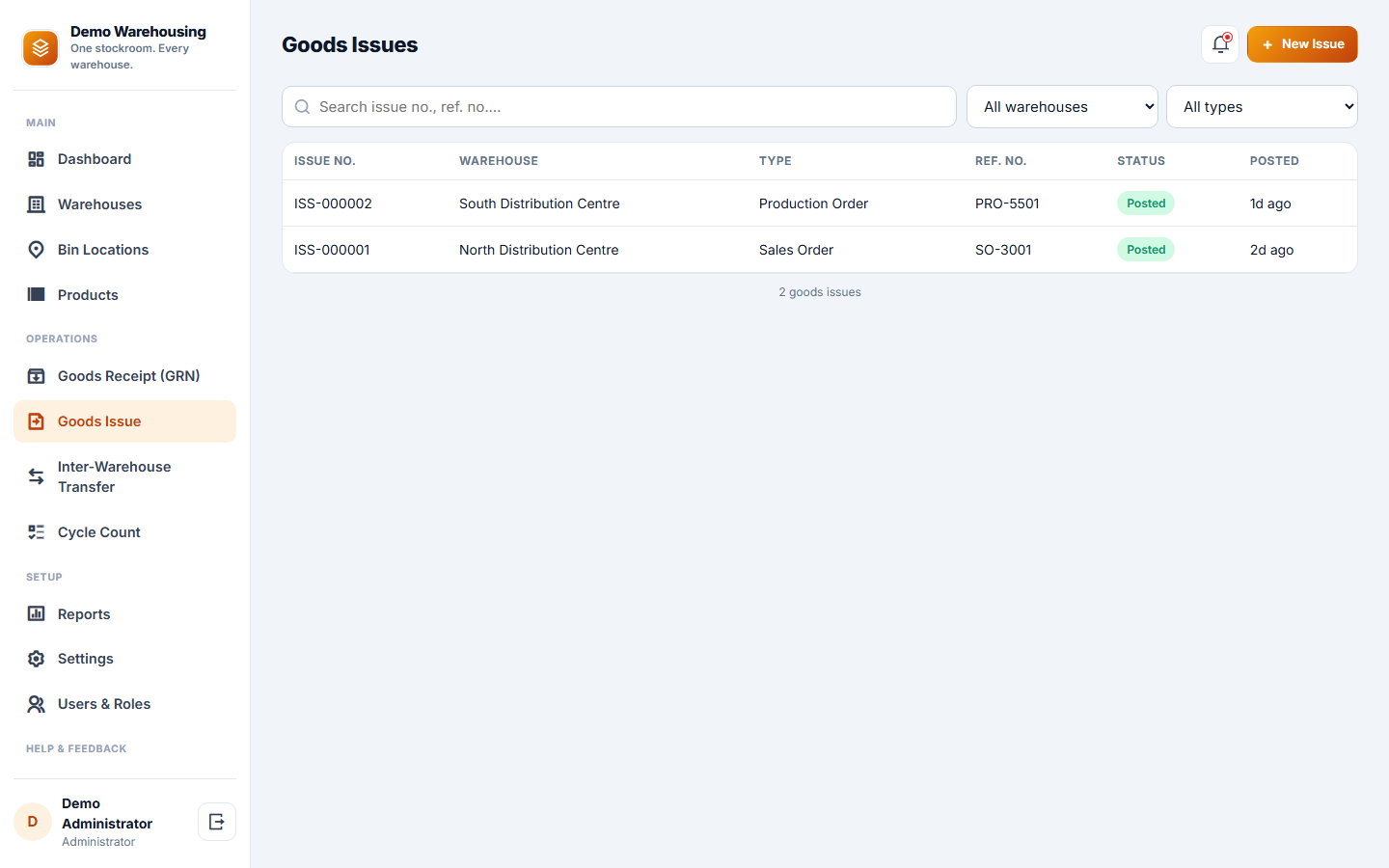
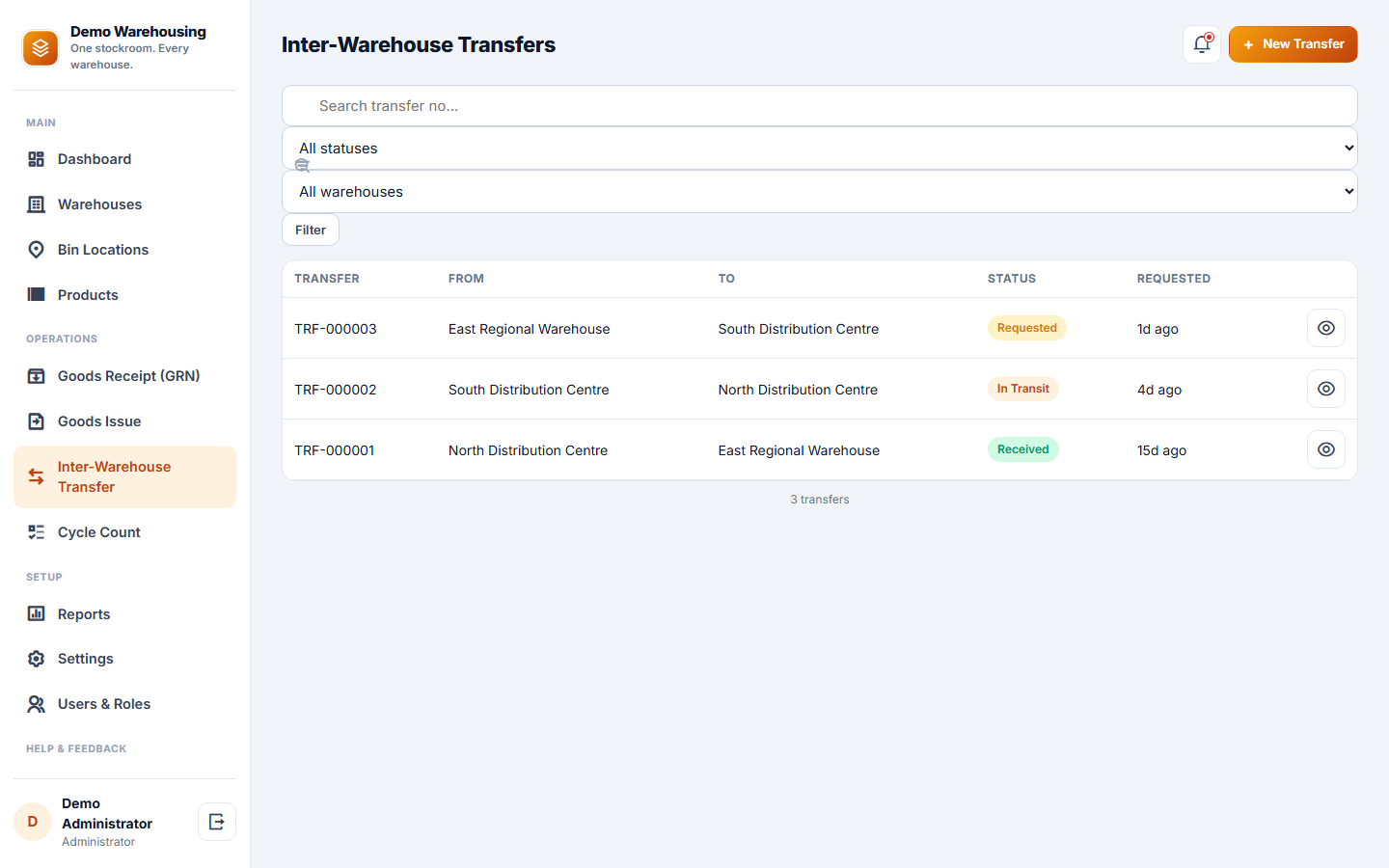
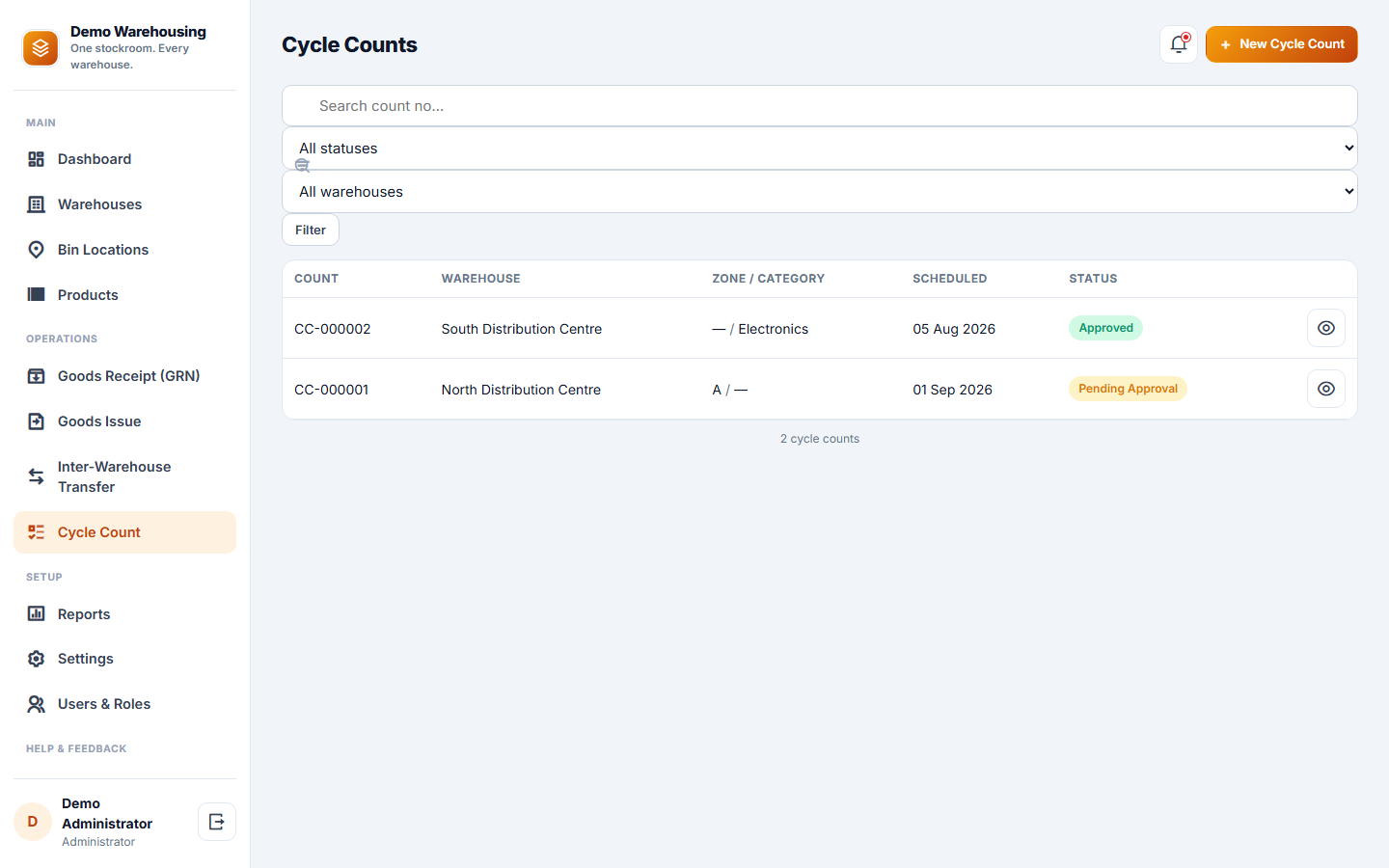
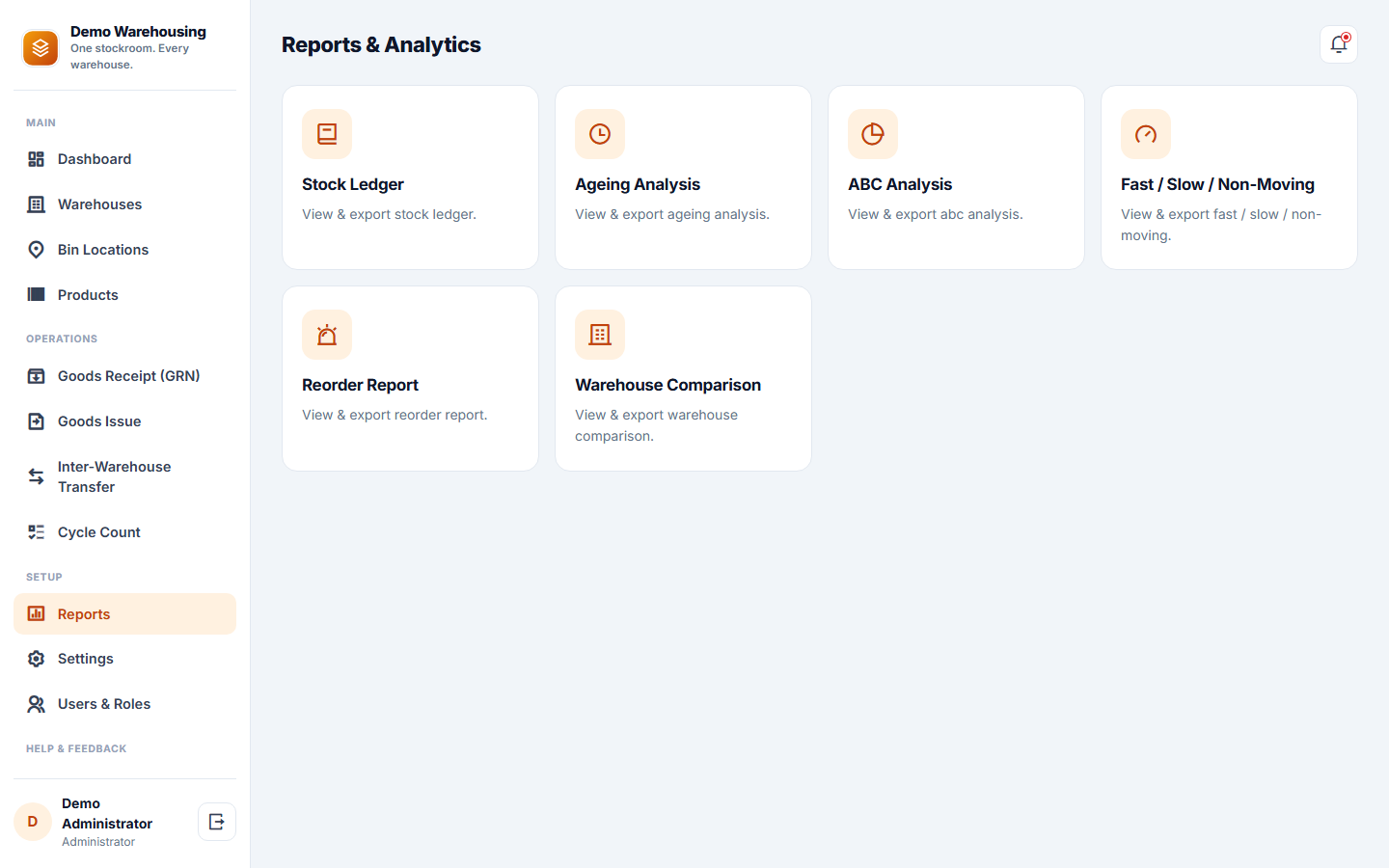
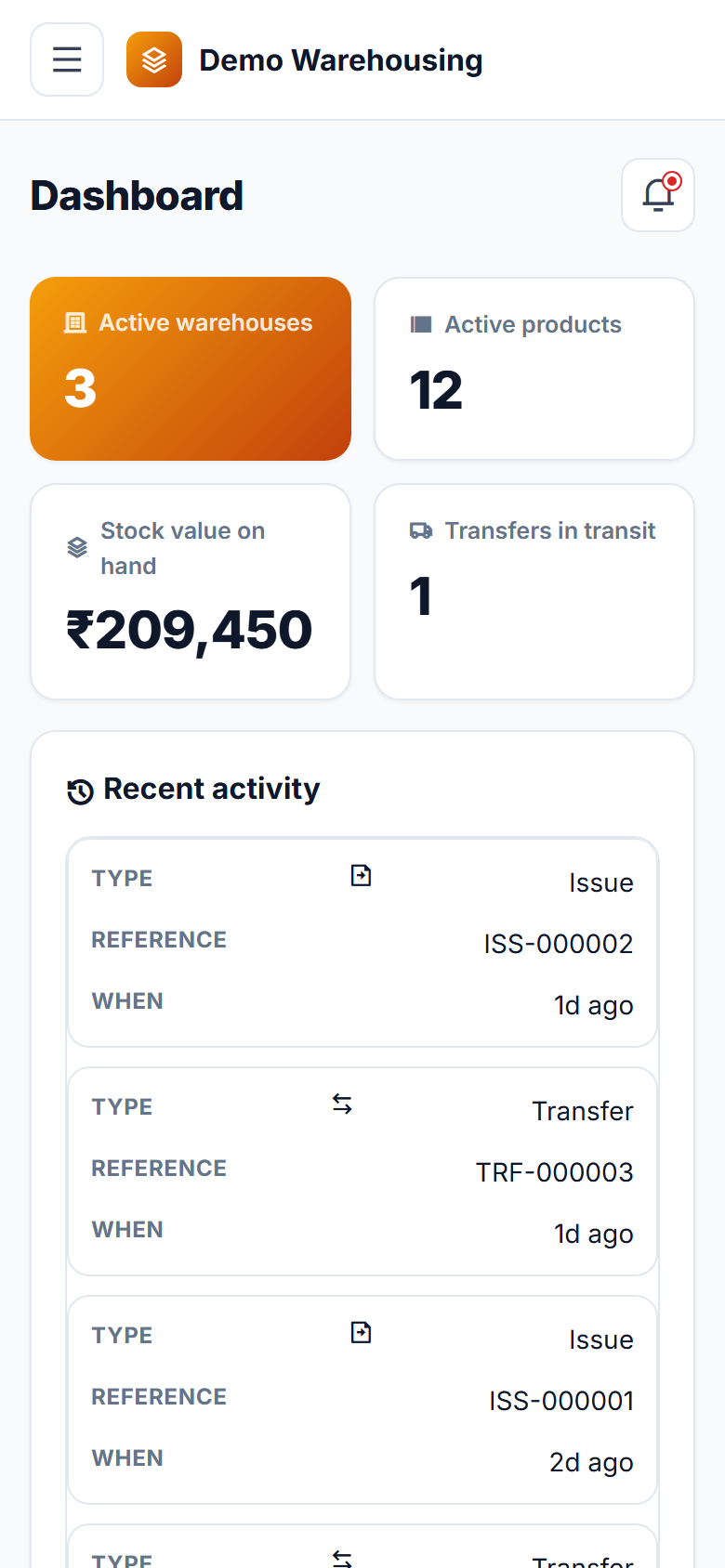
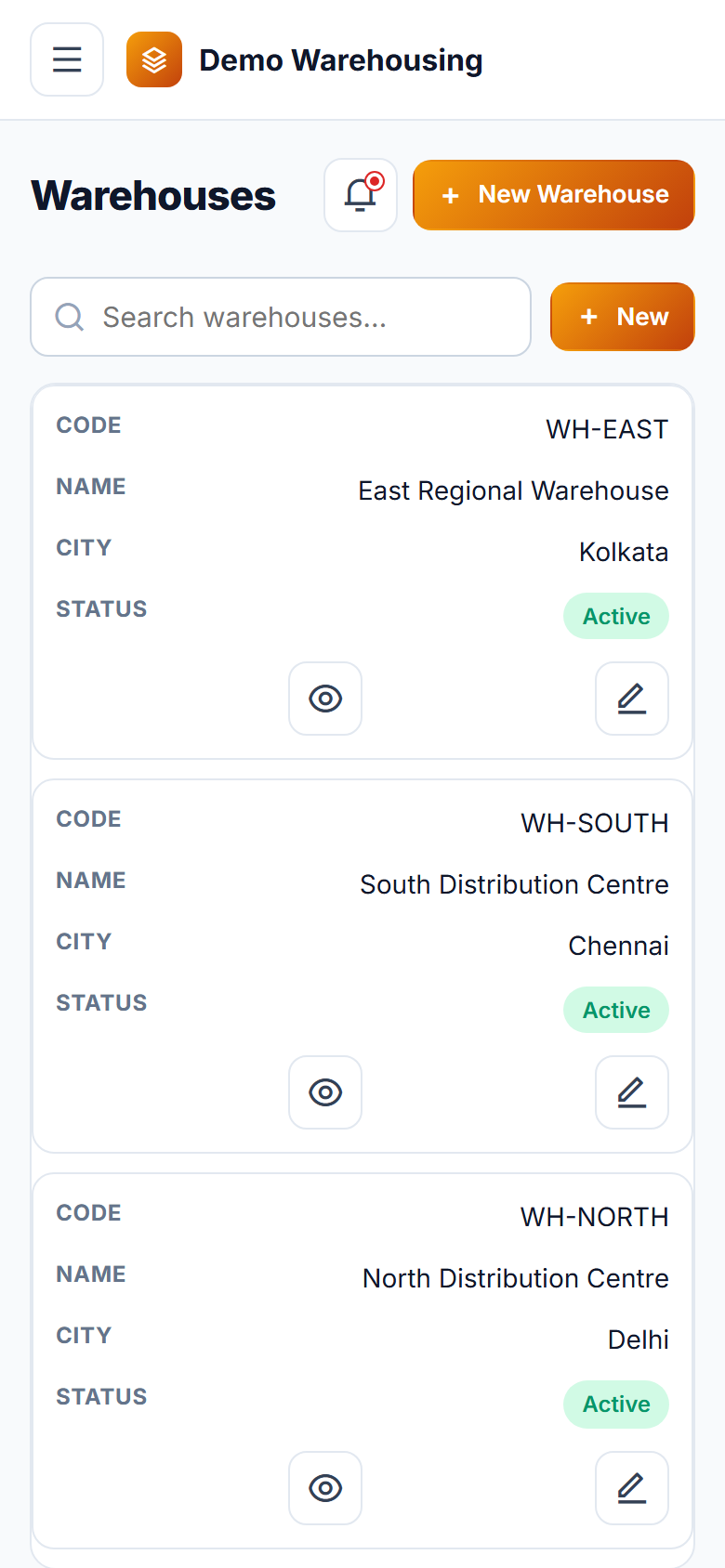
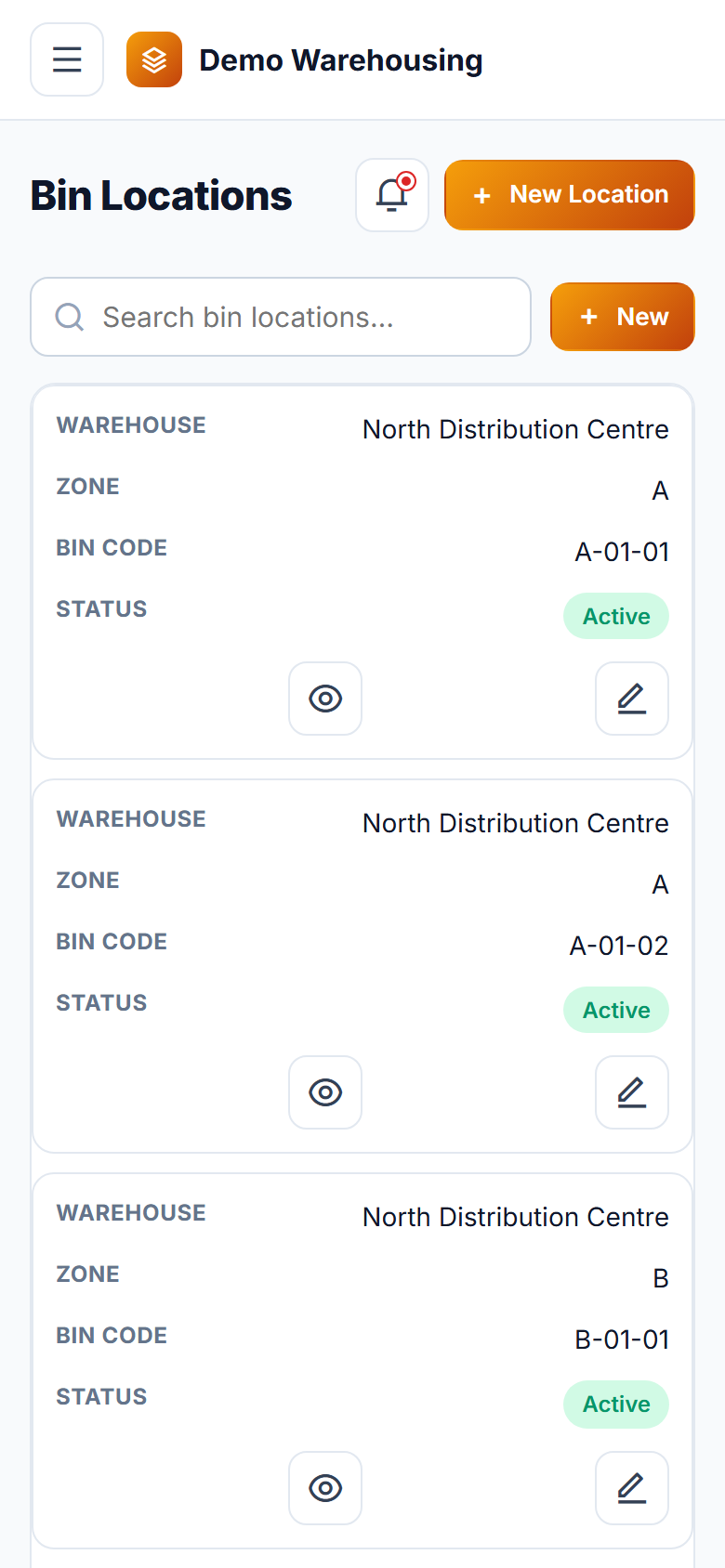
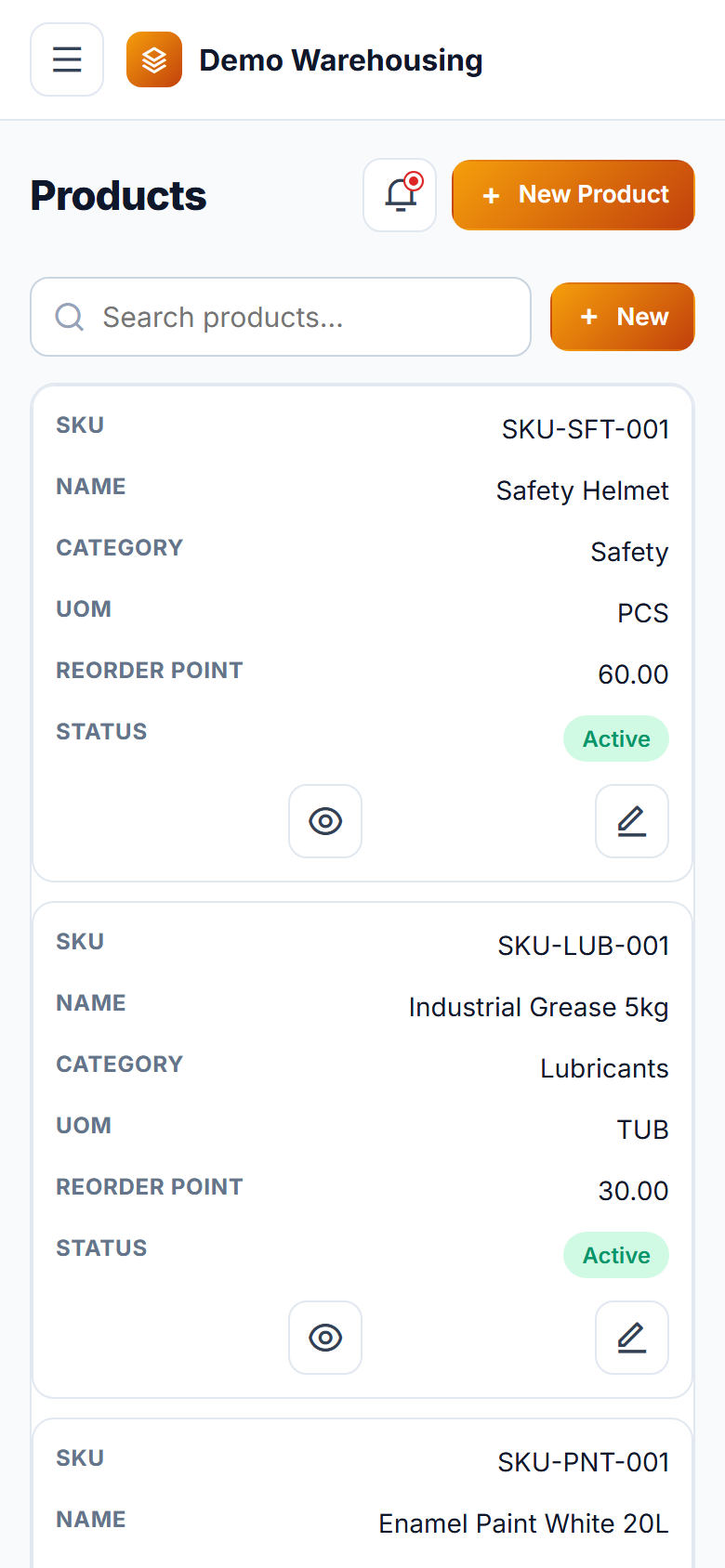
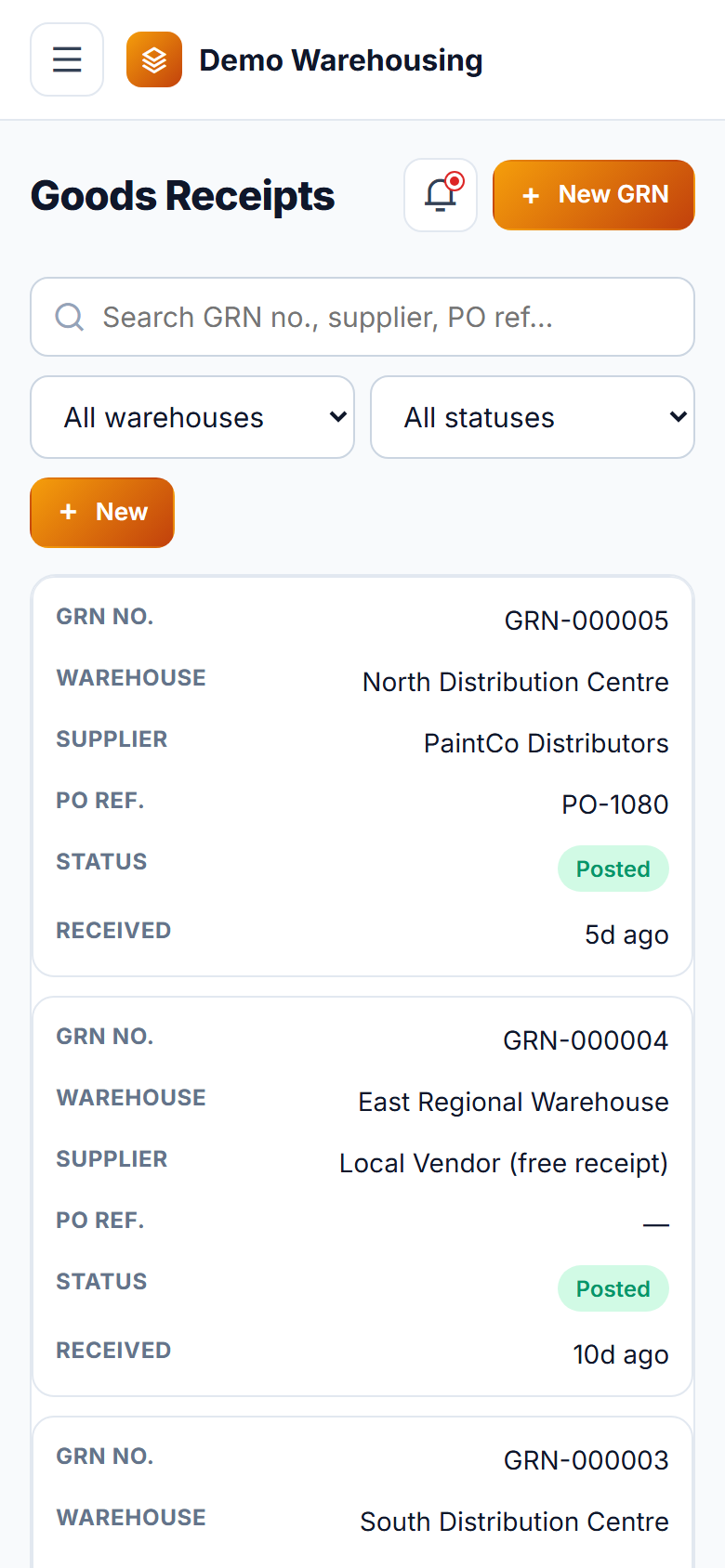
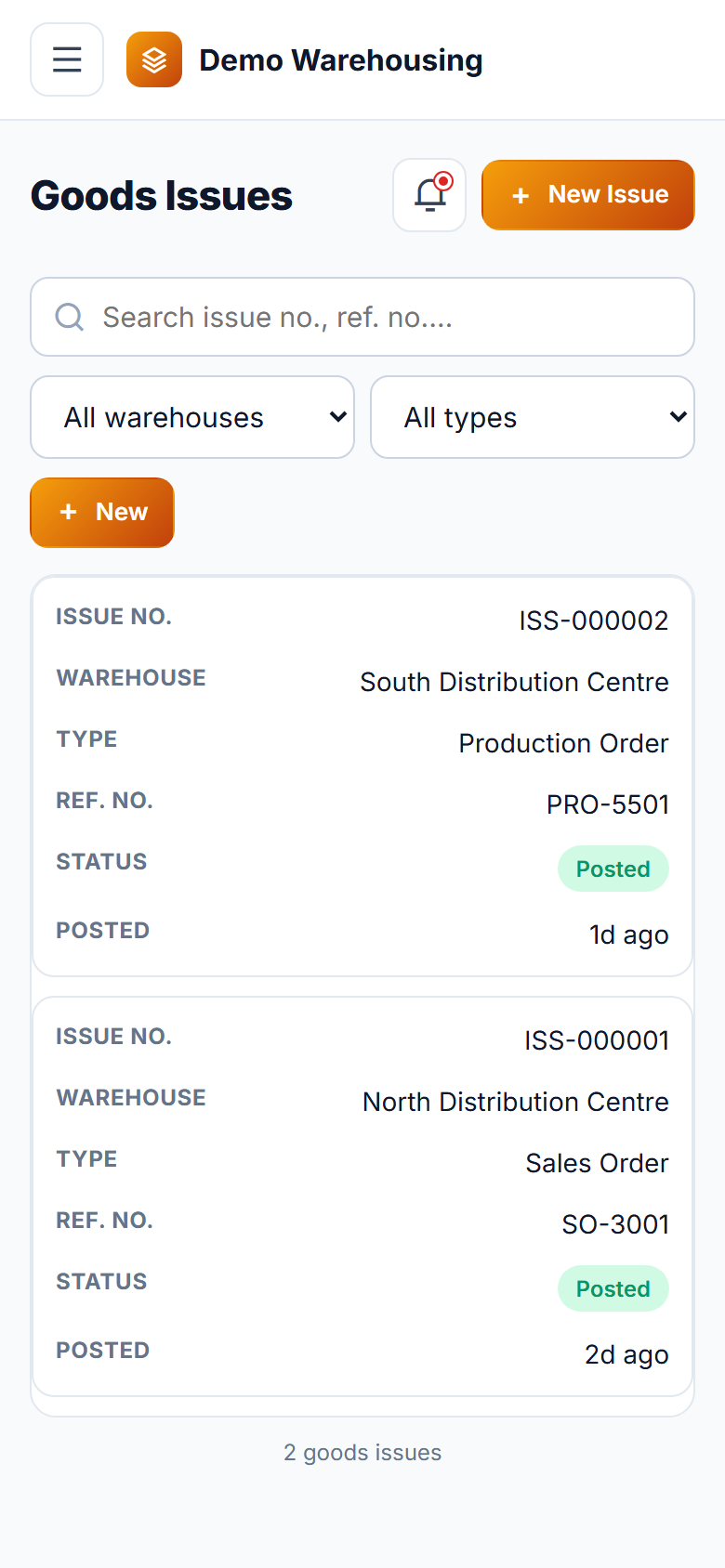
The app gives you one accurate stock position across every warehouse you run, instead of a spreadsheet per location that's always a day behind. Set up each warehouse with its own zones and bin locations, and a product master with reorder points, and the app takes care of the rest. Every Goods Receipt creates its own FIFO cost layer, so when stock is issued against a sales order or a production order, the oldest-received units are drawn first and costed correctly — no more year-end surprises from average-cost guesswork. Move stock between warehouses with a clear request-approve-dispatch-receive trail so nothing goes missing in transit, and keep the books honest with scheduled cycle counts that a manager reviews and approves before any variance touches the ledger. Six built-in reports — stock ledger, ageing, ABC analysis, fast/slow/non-moving, reorder and warehouse comparison — turn raw stock movements into decisions, all exportable to CSV. Built for warehouse staff to run from a phone on the floor, and for managers and auditors to review from a desk. Fully hosted and carrying your own name, logo and colours on every screen, with nothing to install and nothing to maintain.
Why buyers pick it
Everything included 10
- Warehouse & location setupunlimited warehouses, each with its own zones and bin locations (e.g. A-01-01)
- Product masterSKU, HSN code, unit of measure, min stock, reorder point and reorder quantity
- Goods Receipt (GRN)free receipt or against a PO reference, multi-line, each line creates its own FIFO stock lot with lot number and expiry
- Goods Issueagainst a sales order, production order or adjustment; FIFO auto-picks the oldest lot(s) first and shows the exact cost drawn
- Printable delivery challan generated from any posted Goods Issue
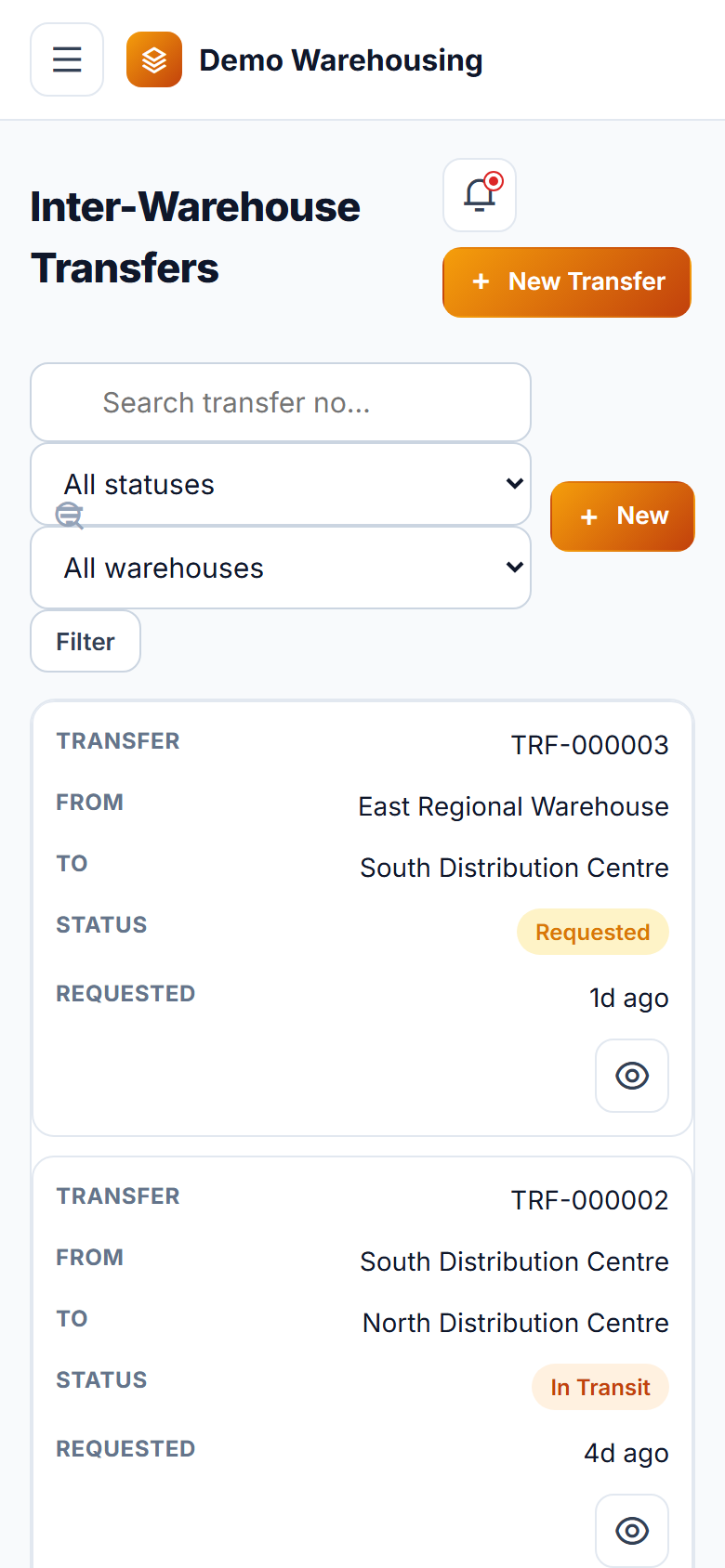
- Inter-Warehouse Transferrequest → approve → dispatch → receive workflow, with FIFO cost carried forward to the destination lot
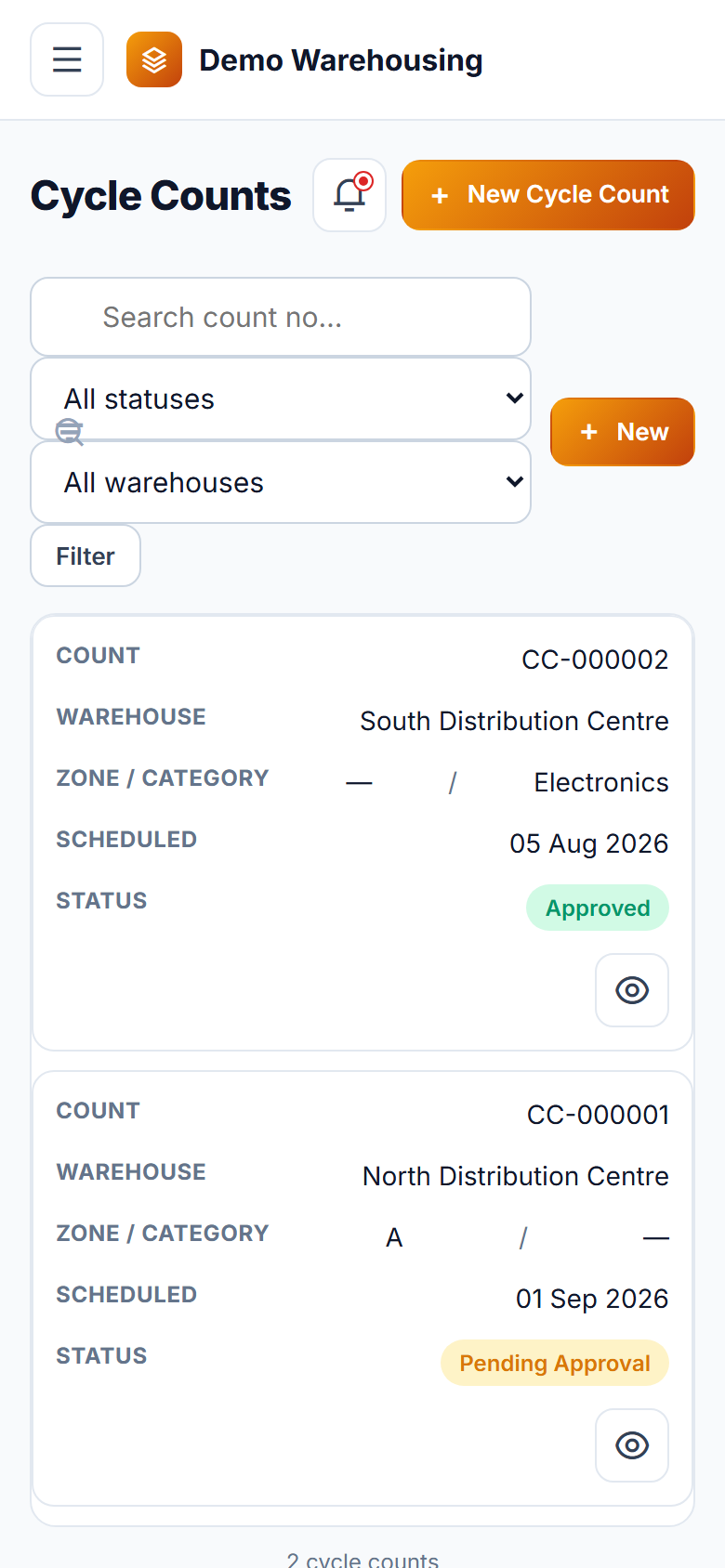
- Cycle Countschedule by warehouse/zone/category, auto-snapshot book quantity, staff count entry, manager approval applies the adjustment
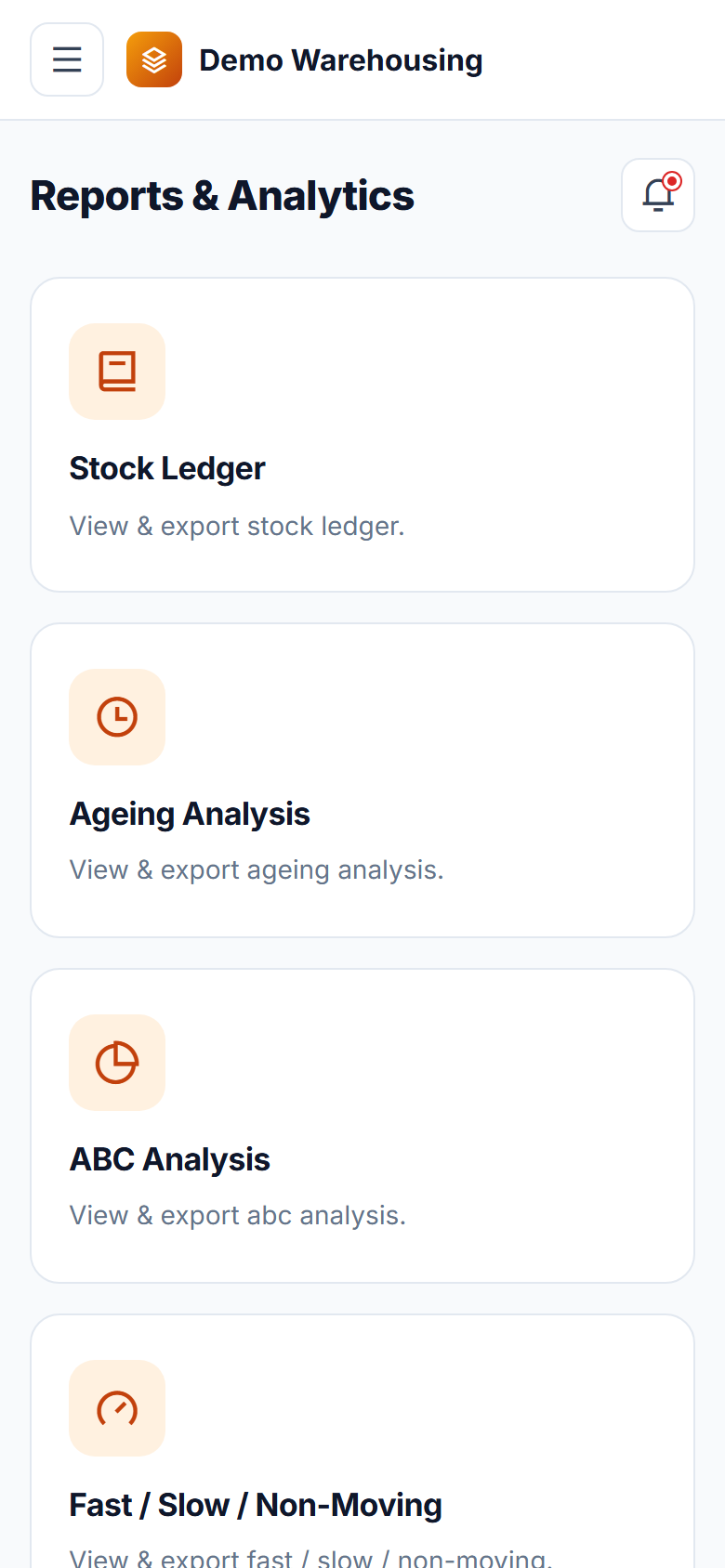
- Reports: Stock Ledger, Ageing Analysis, ABC Analysis, Fast/Slow/Non-Moving, Reorder Report, Warehouse Comparison — each exportable to CSV
- Roles & accessAdministrator, Warehouse Manager, Warehouse Staff and read-only Auditor, with approval separated from data entry
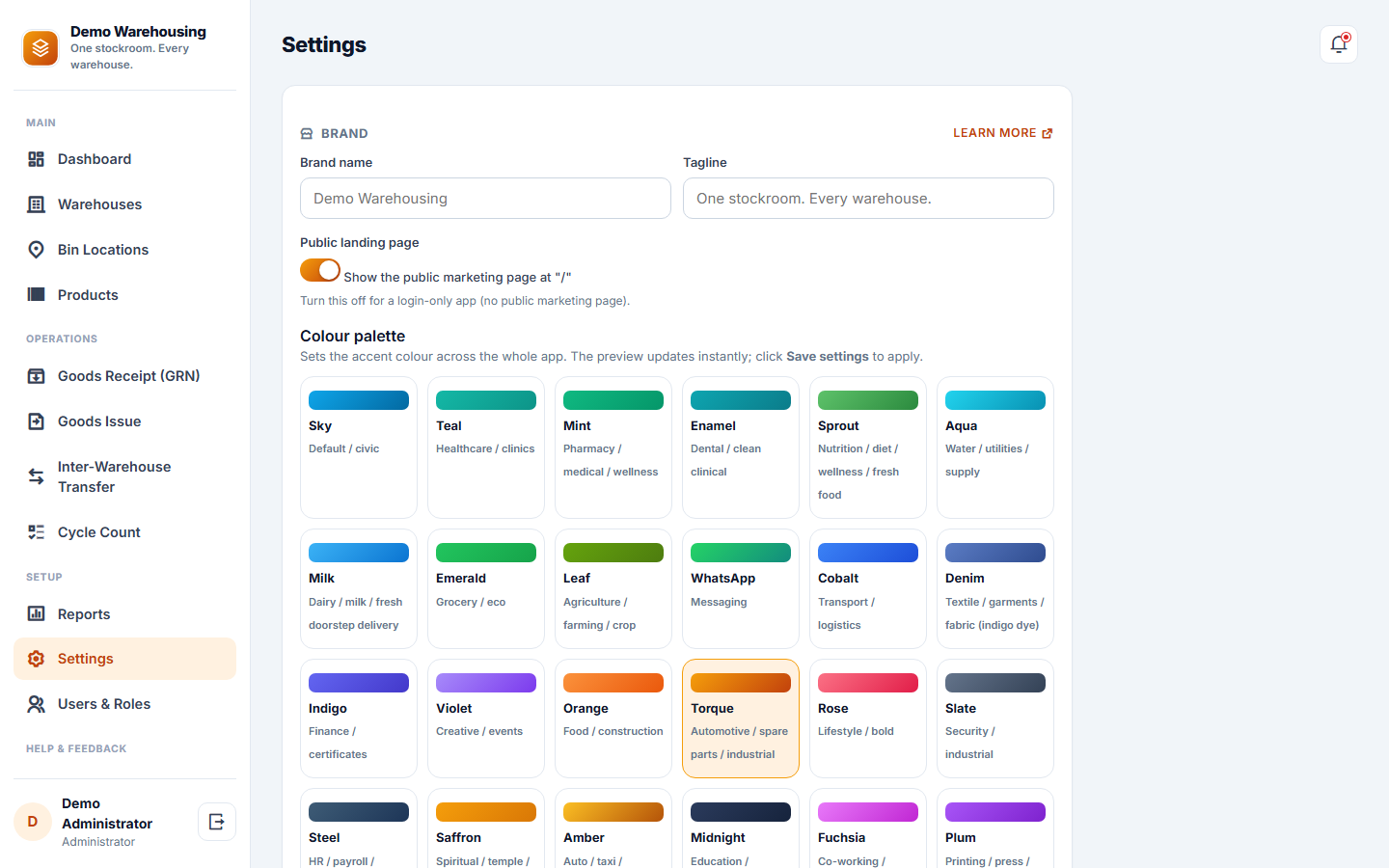
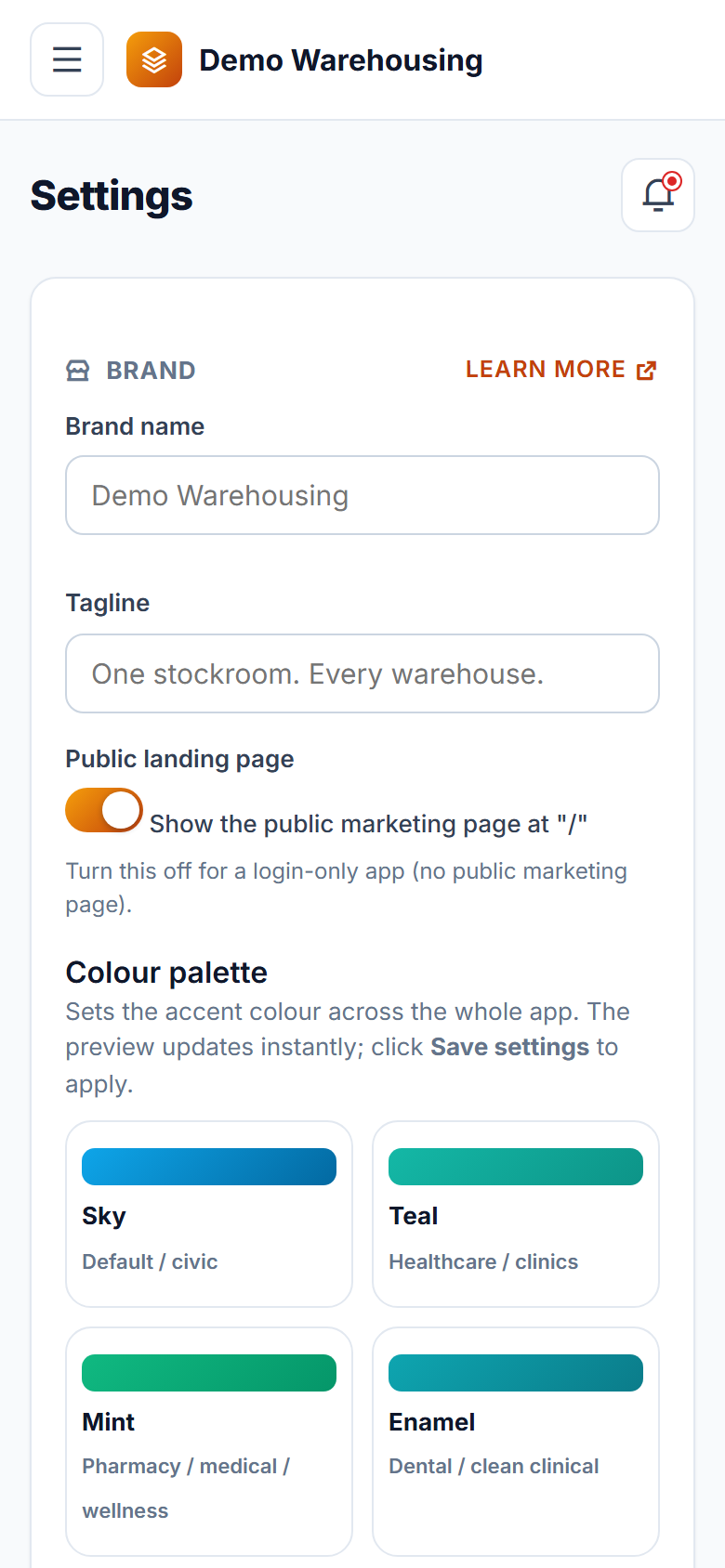
- Configurationbrand name, tagline, logo, favicon and colour palette, plus SMS/email provider keys, all from Settings
What you get
Ratings and reviews
No reviews yet — be the first!
Sign in to write a reviewWhat's new
Report a bug and Request a feature, step by step
- Report a bug and Request a feature are now two separate guided forms, three short steps each.
- A bug report asks what happened, what you did just before and how much it affects you, and notes the screen you were on.
- Attach up to five screenshots: pick them, drag them in, or paste straight from the clipboard. Large images are shrunk for you.
- New help page: Bug reports & feature requests.