Document Management & E-Signature Software
Business & Operations Documents, signed — securely.You'll sign in (or create a free account) first — your app is linked to it.
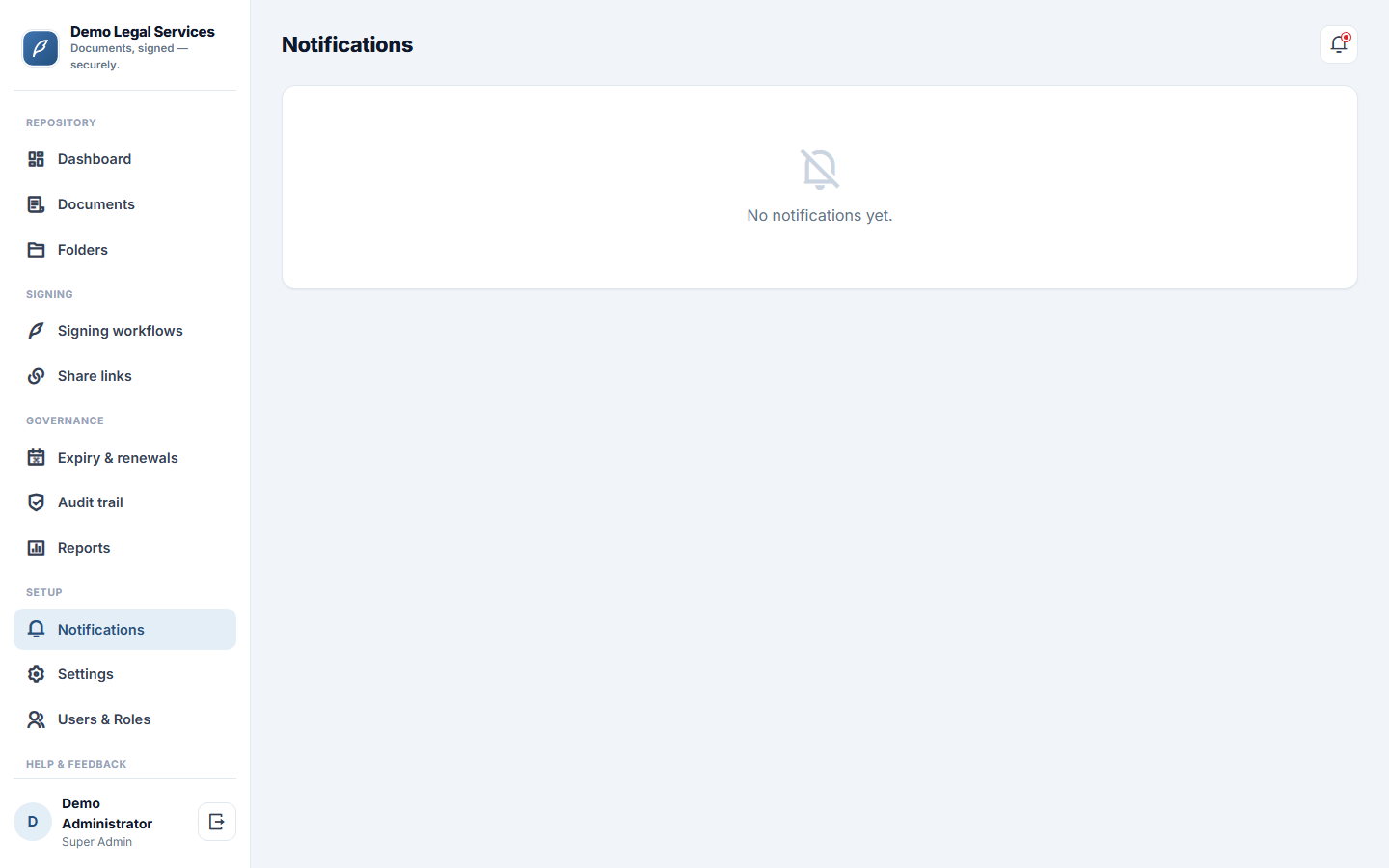
About this app
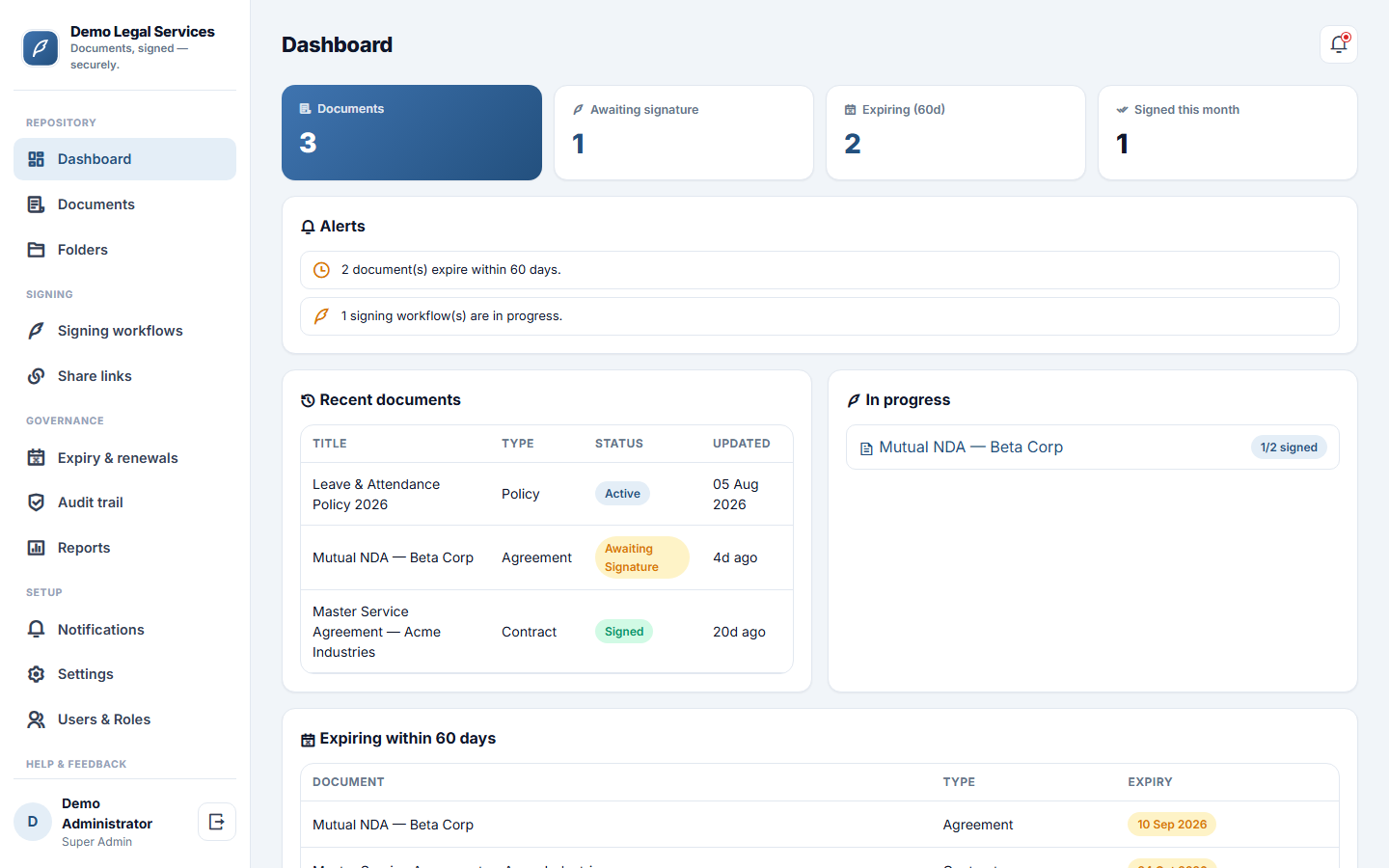
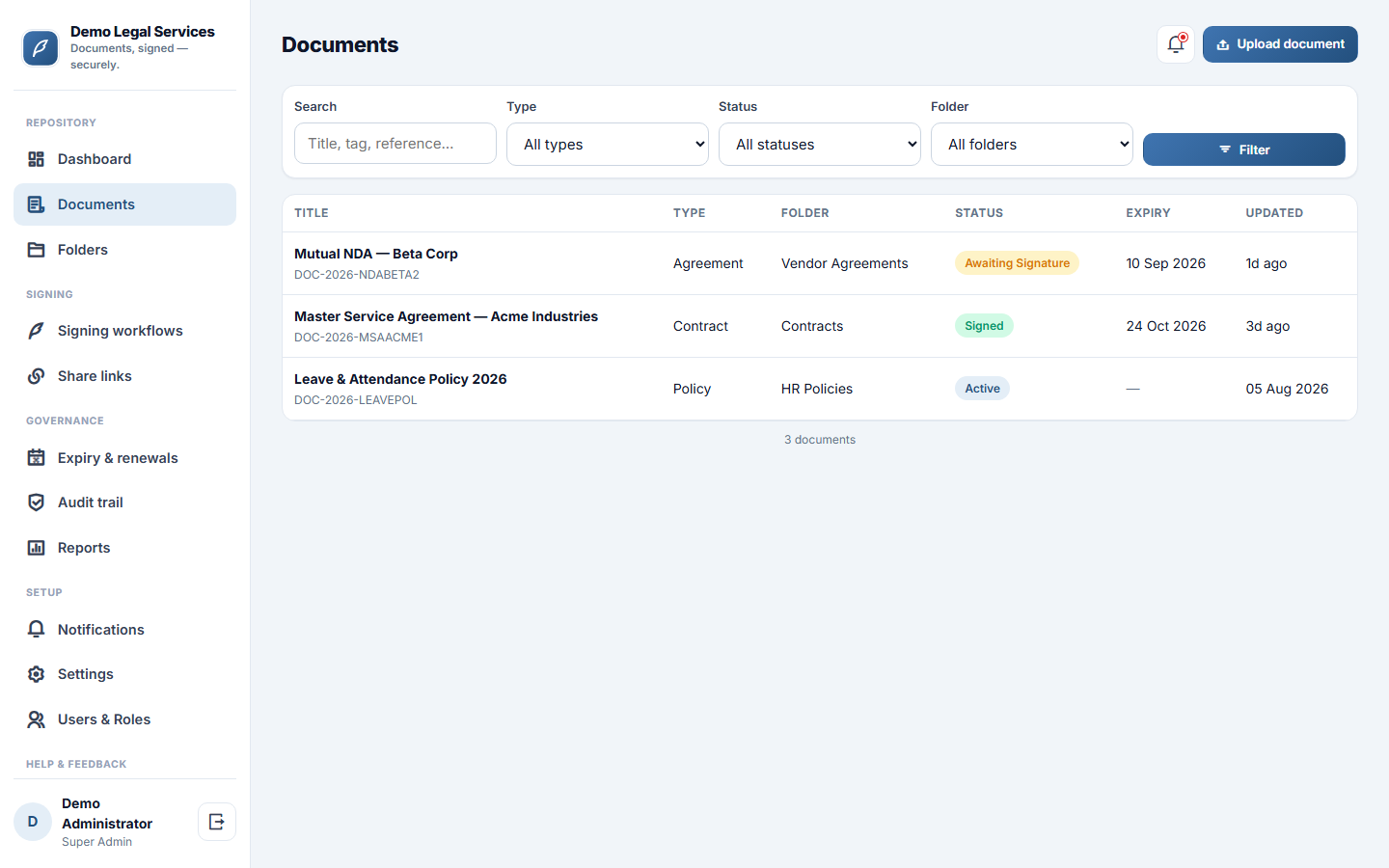
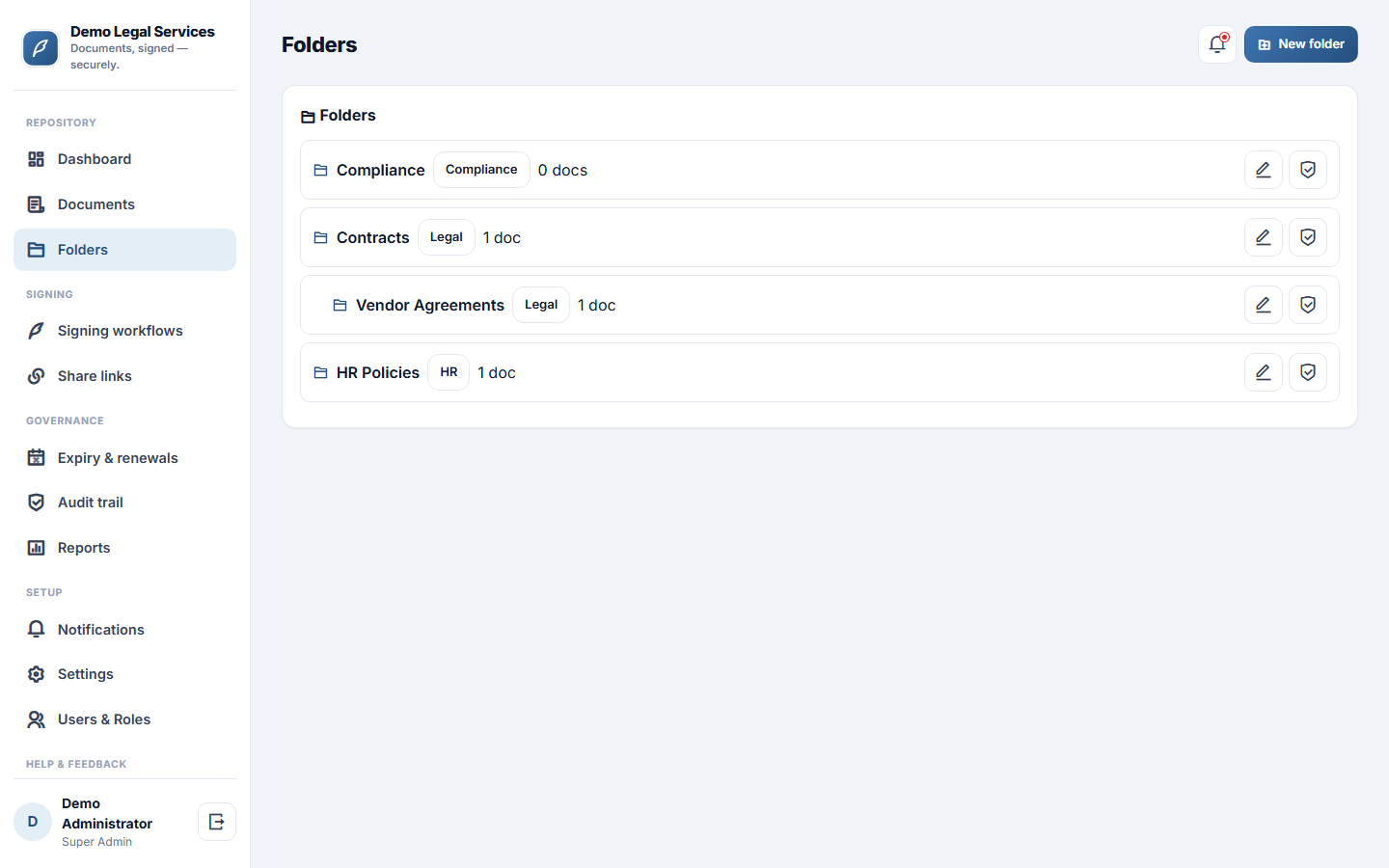
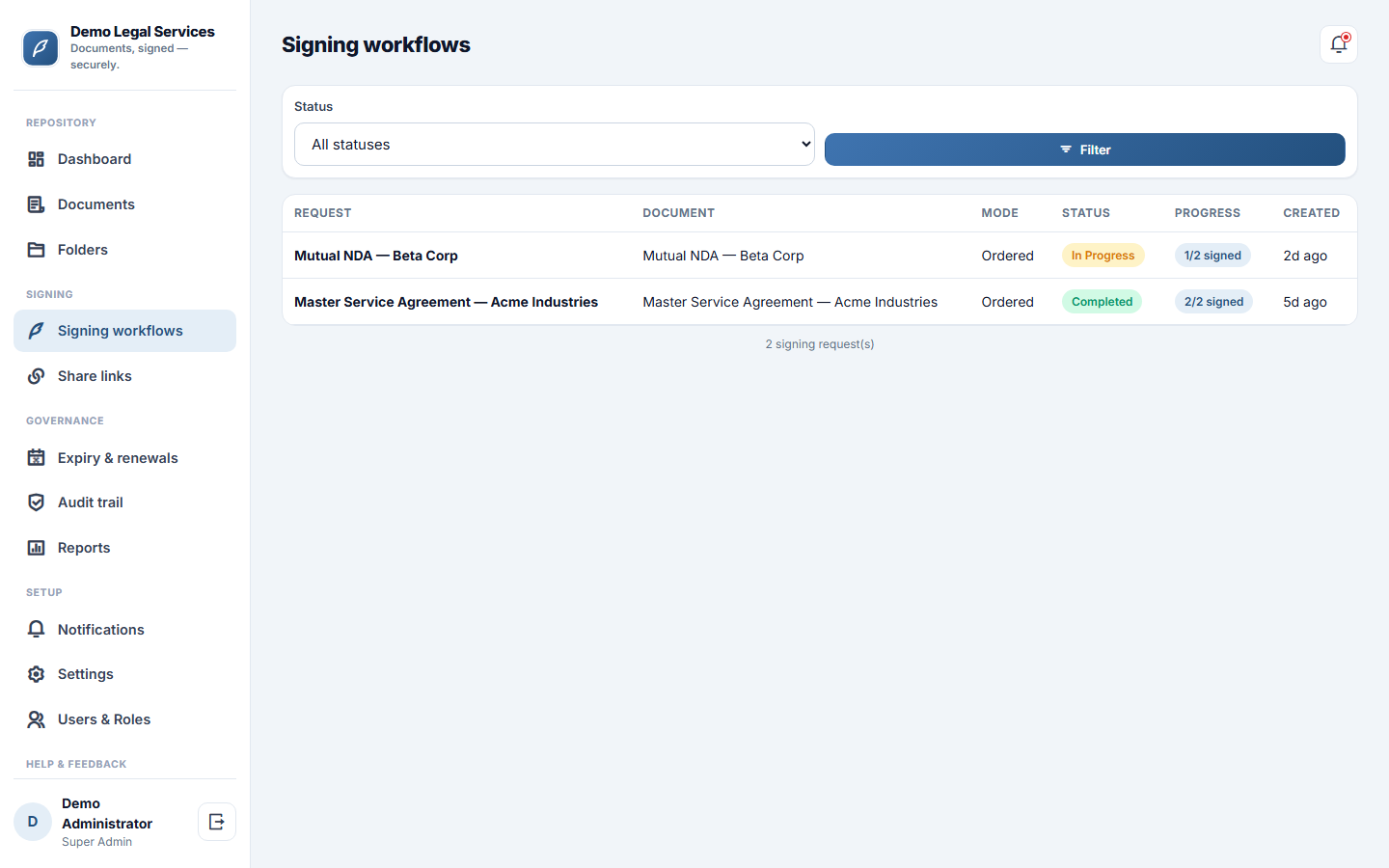
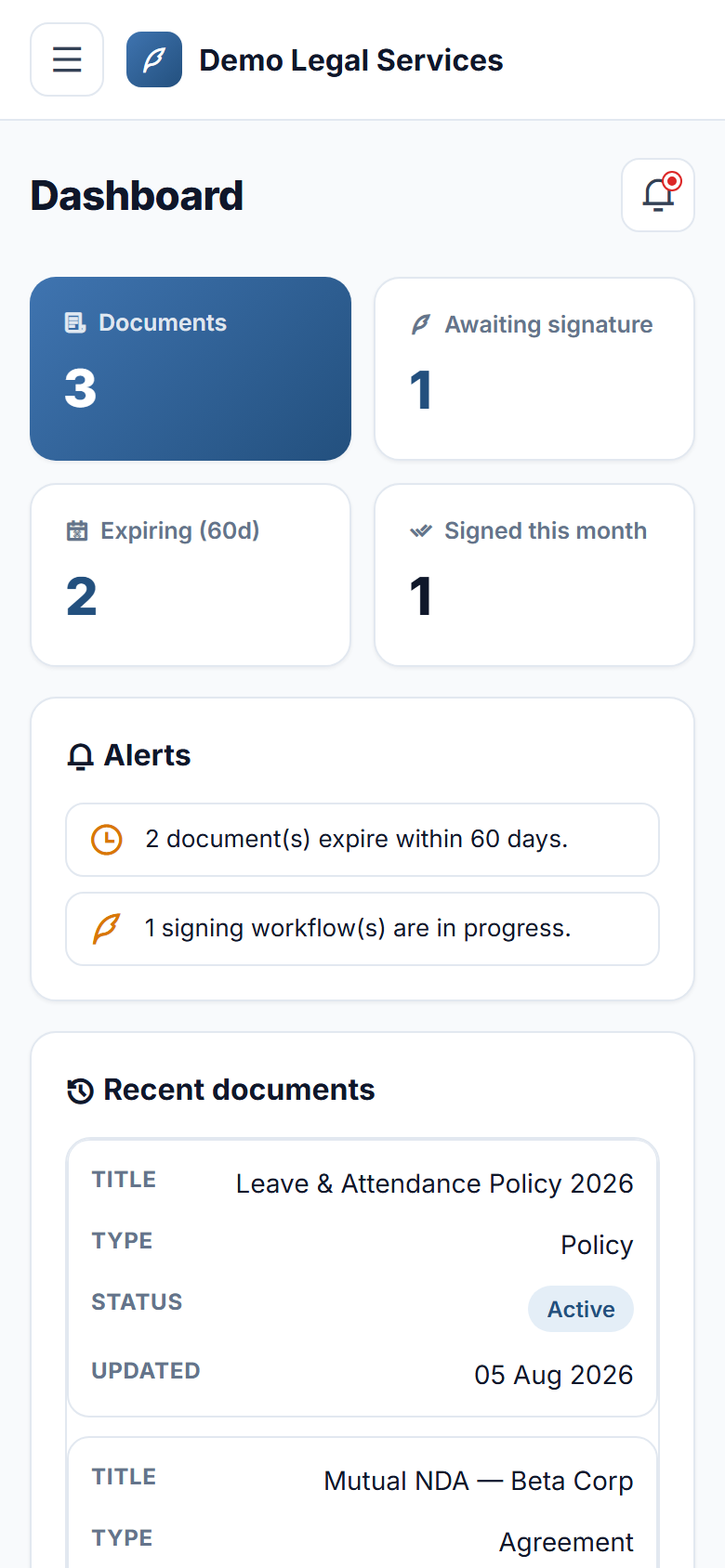
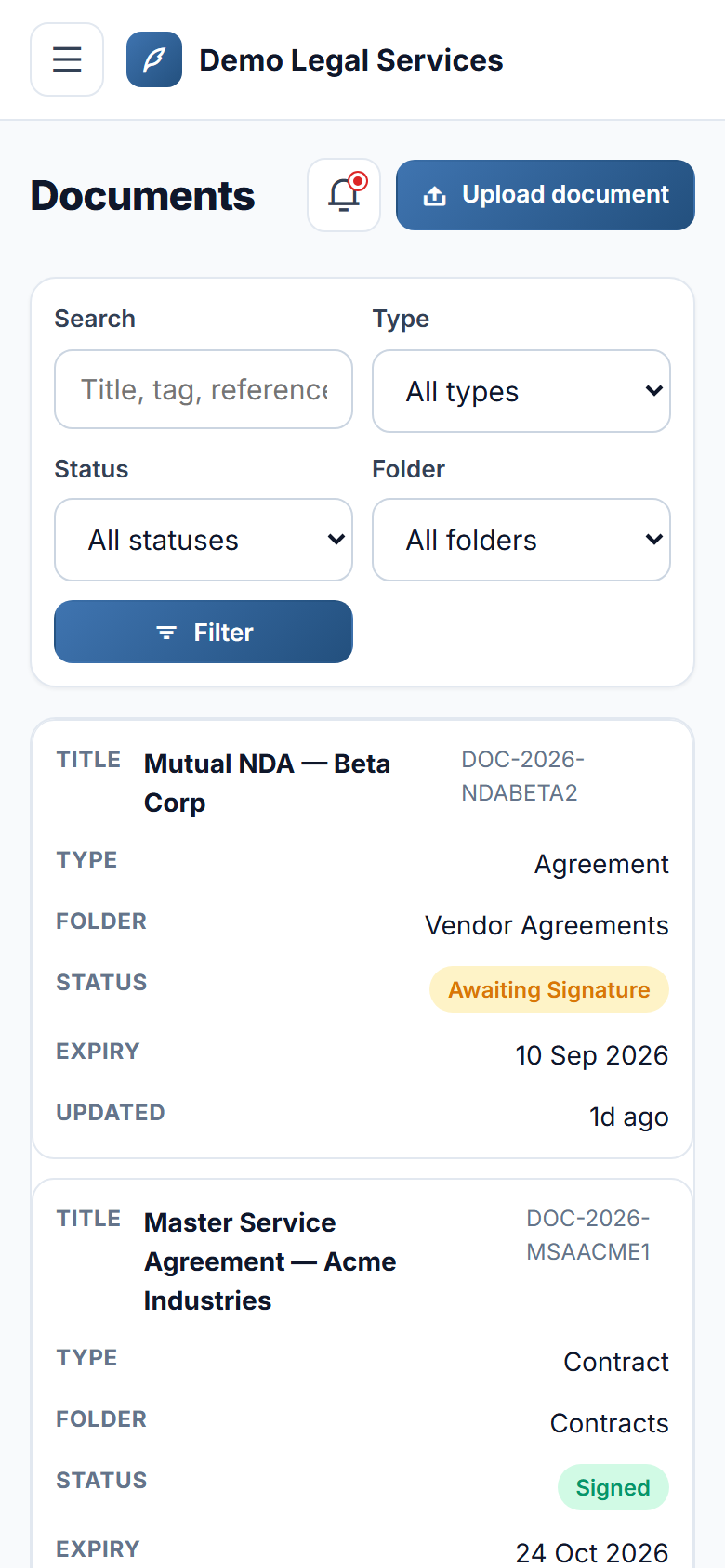
The app gives your business one secure home for every document — and the fastest way to get them signed. Upload contracts, policies, invoices and records into organised folders, and keep a clean version history on each one so you can see every revision and revert safely. Decide exactly who can see and download what, by person, department or role, on a whole folder or a single document. When something needs signing, send it for signature in a set order or all at once; signers open a secure link and sign by drawing with a finger on their phone or typing their name — no account, no app, no printing. The moment everyone has signed, the app seals the record and issues a certificate of completion that anyone can verify in seconds with a code or QR — and instantly see whether it has been tampered with. Contracts and licences flag themselves before they expire so renewals never slip, and every view, download, edit and signature is written to a tamper-evident audit trail you can prove is intact. It is a faster, safer, audit-ready document office that runs from any phone.
Why buyers pick it
Everything included 14
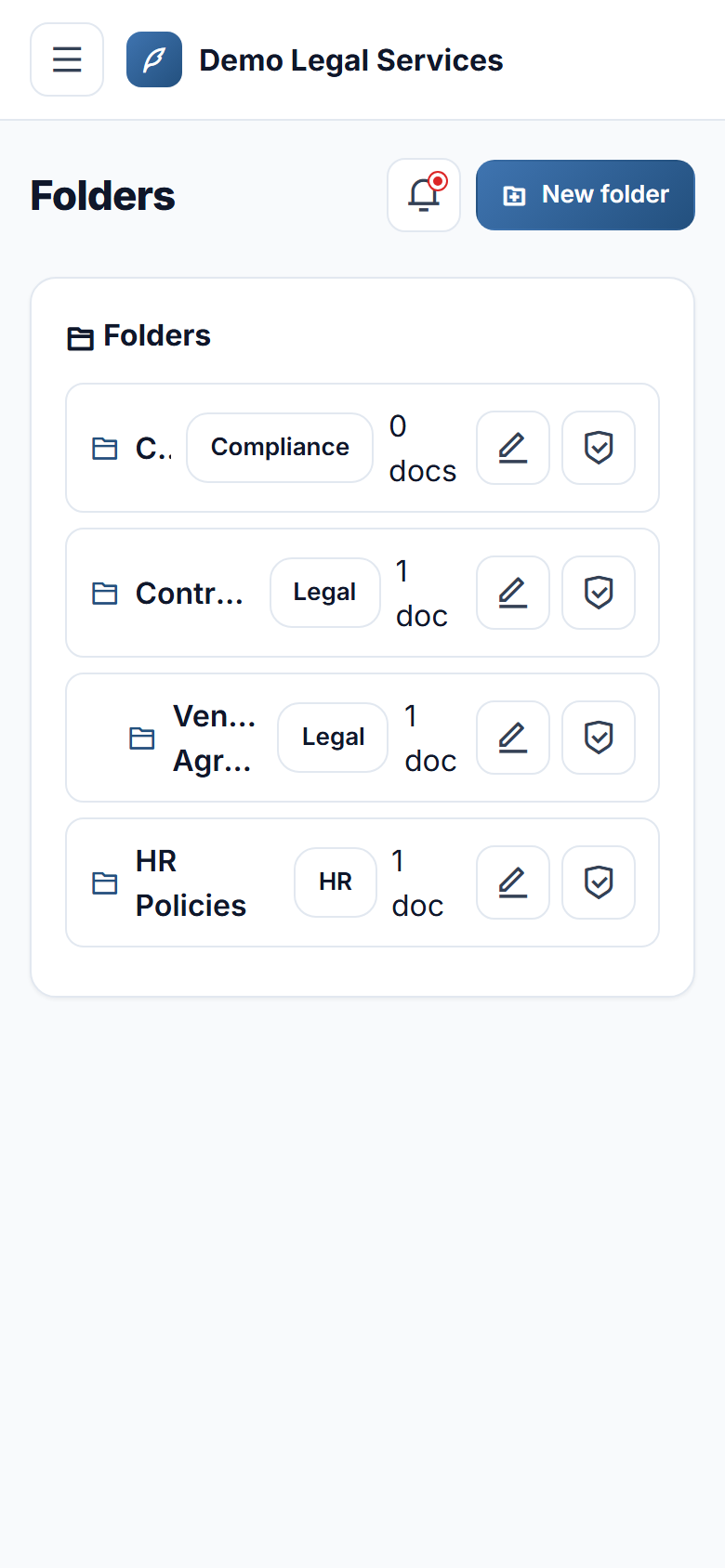
- Document repository with hierarchical folders, metadata (type, department, tags) and full-text search across titles, tags and references
- Version controlevery re-upload becomes a new version, with revert and a side-by-side text diff
- Access controlgrant view / edit / download / delete to a user, a department or a role, on a folder (cascades) or a single document
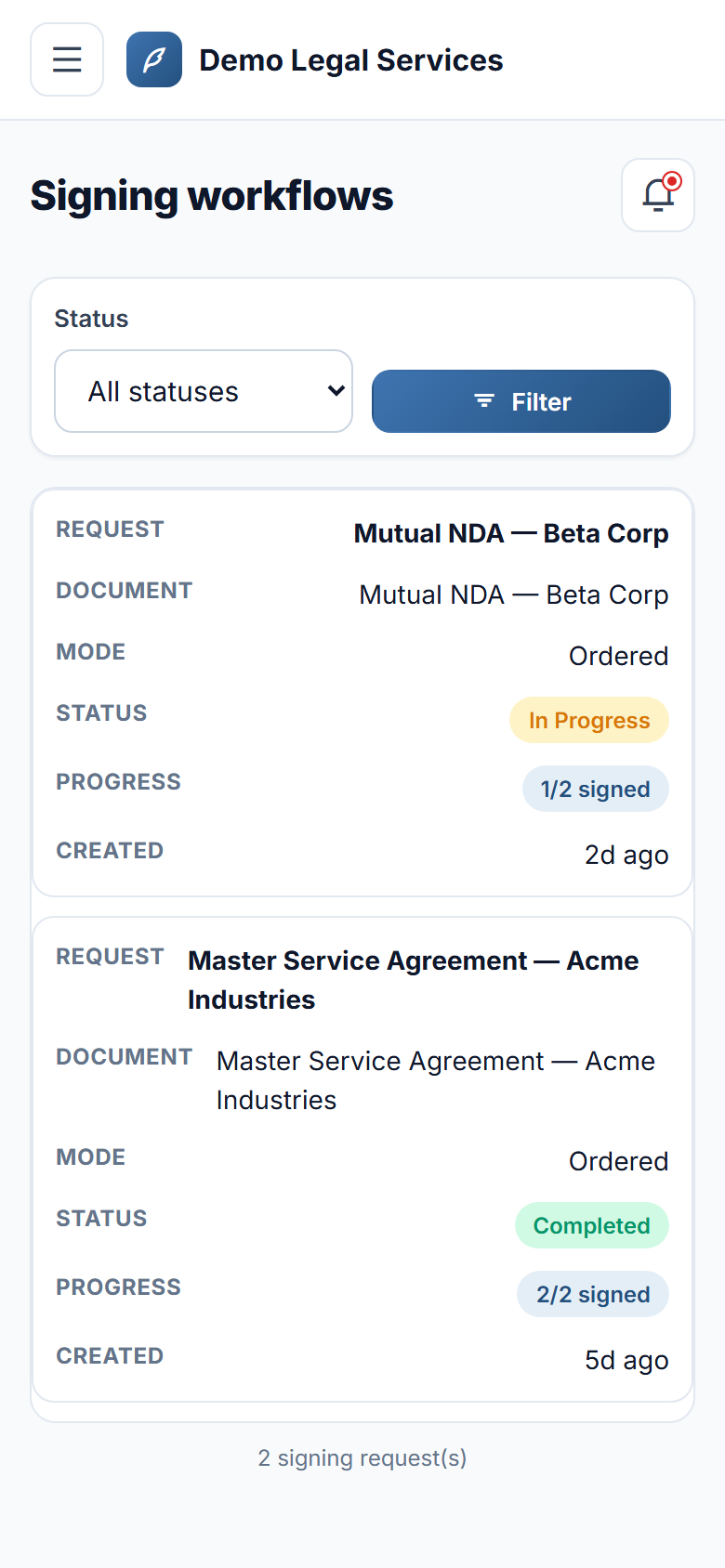
- e-Signature workflowsordered or parallel signers, each with a unique secure link and automatic reminders
- Sign by drawing with a finger or typing your name, with an explicit consent step — works on any phone, no app
- Sealed, tamper-evident signed records with a printable certificate of completion
- Public verificationconfirm any signed document by code or QR, and instantly see genuine or tampered
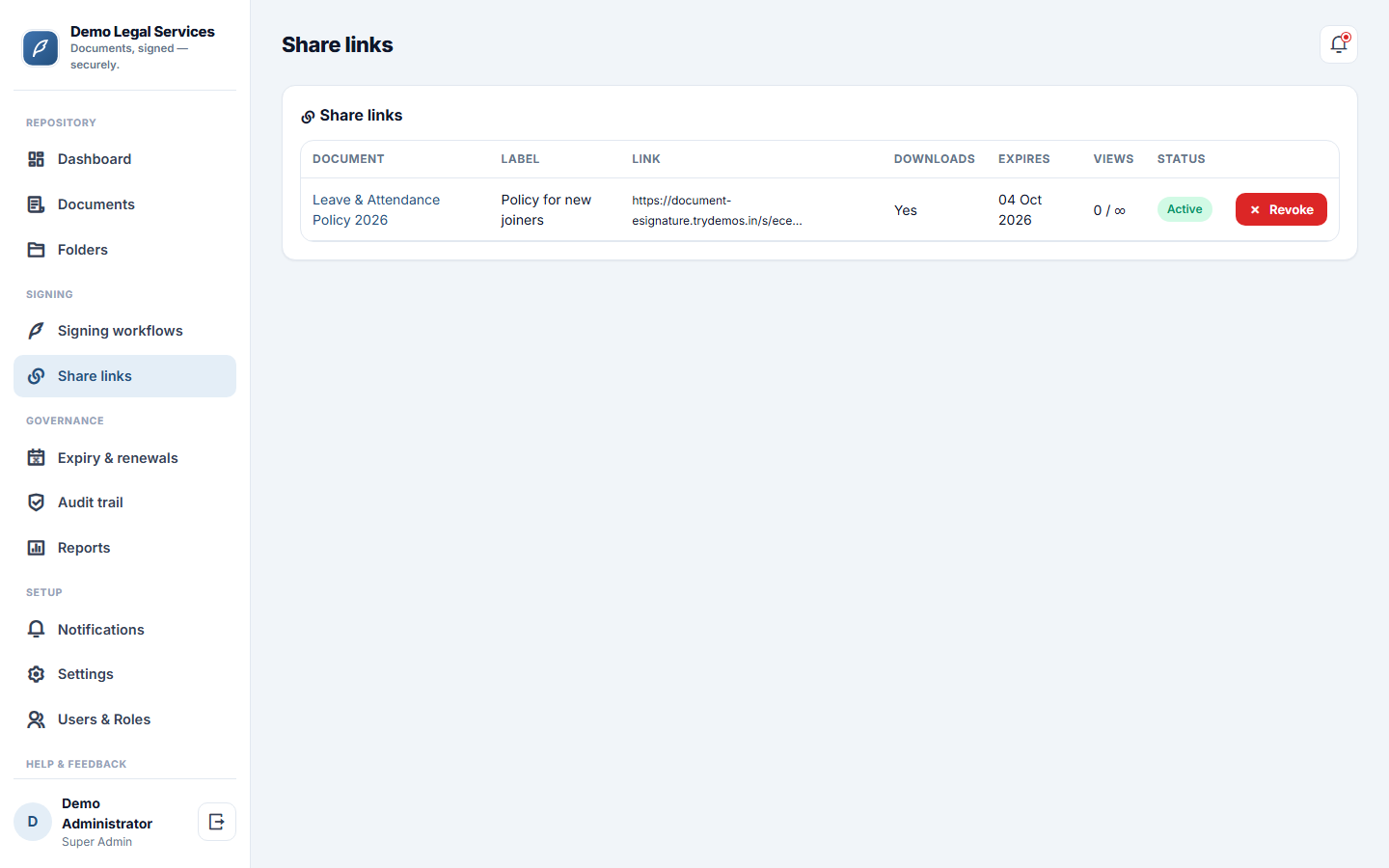
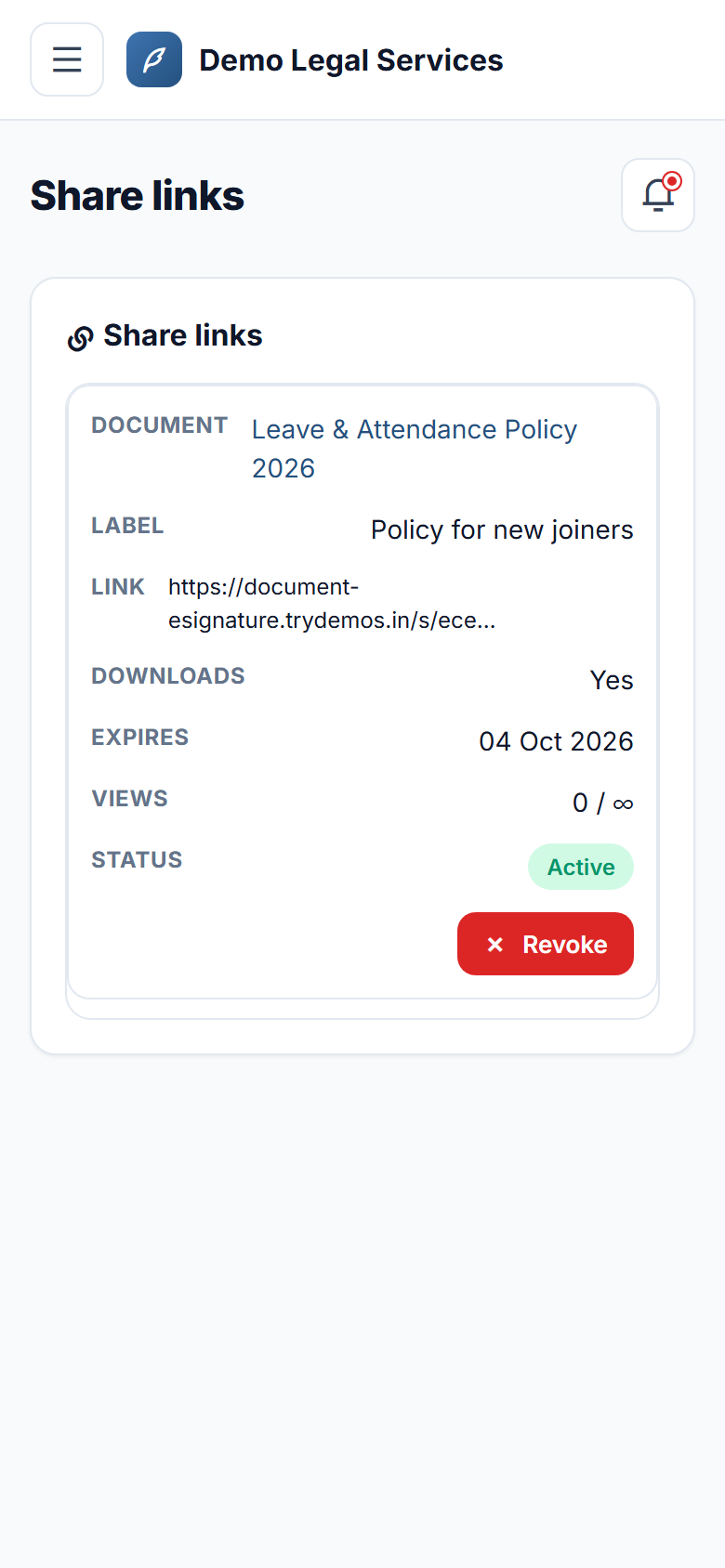
- Guest share linkstime-boxed, view-capped, download-optional and revocable at any time
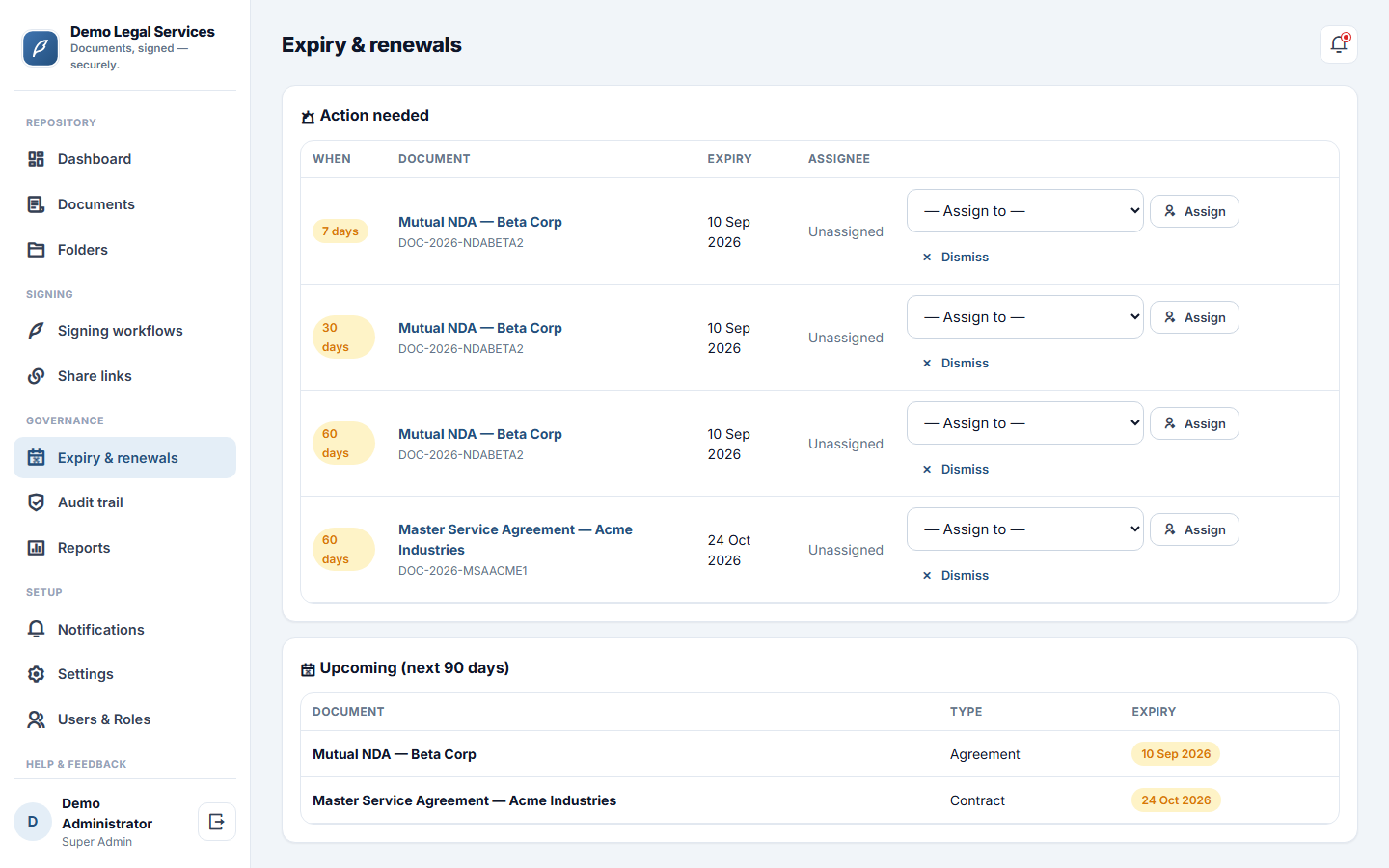
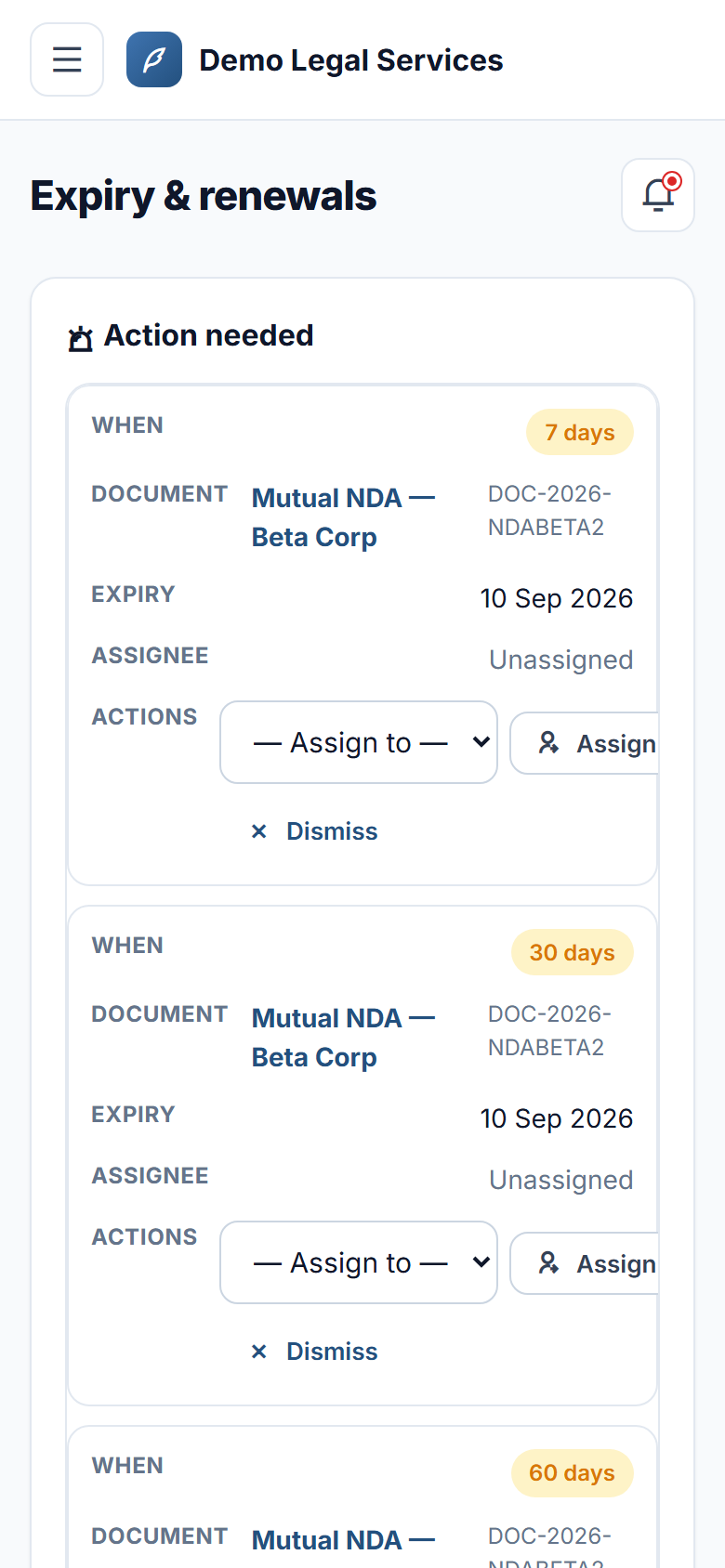
- Document expiryautomatic alerts at 60 / 30 / 7 days and on expiry, with a renewal owner you can assign
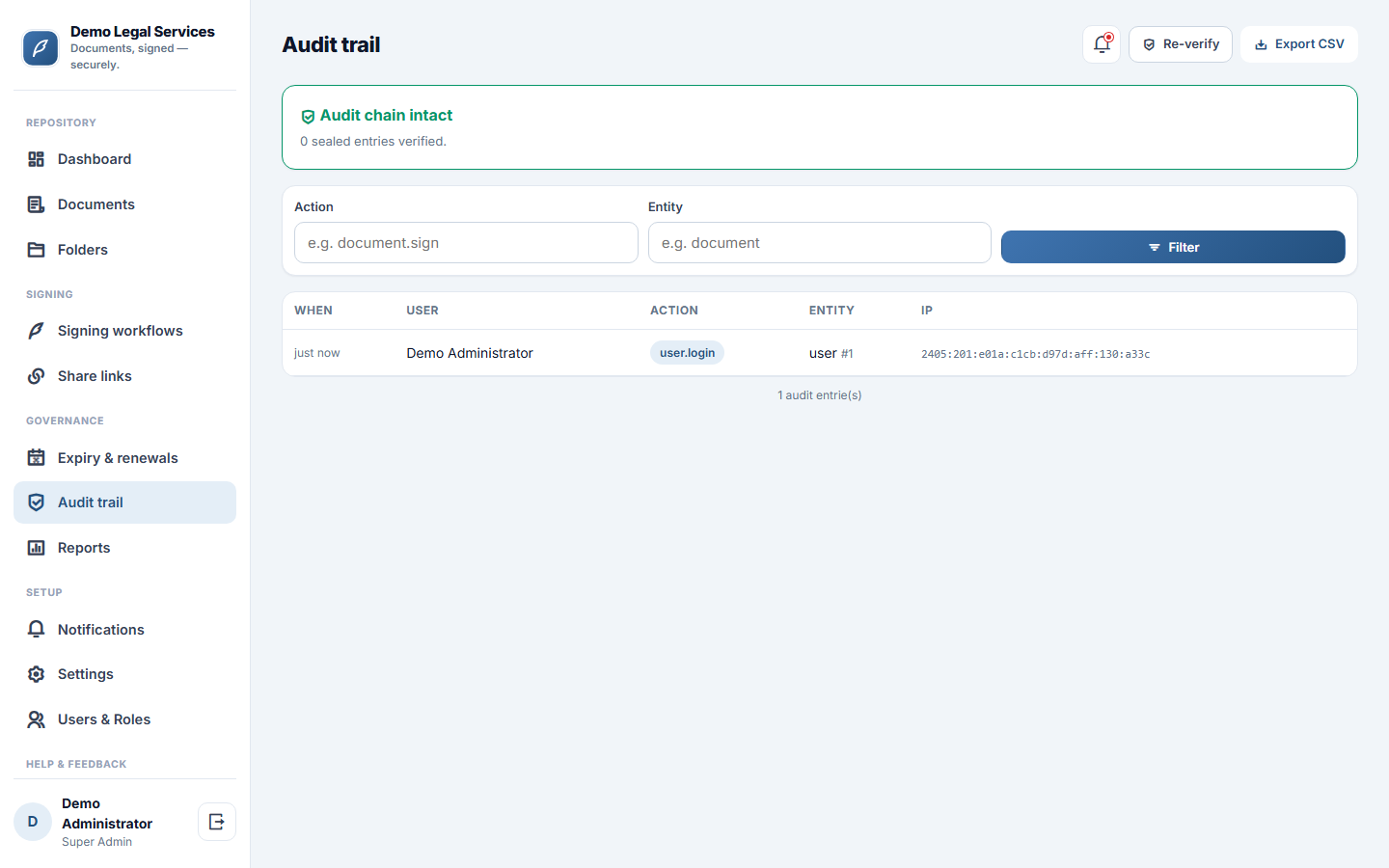
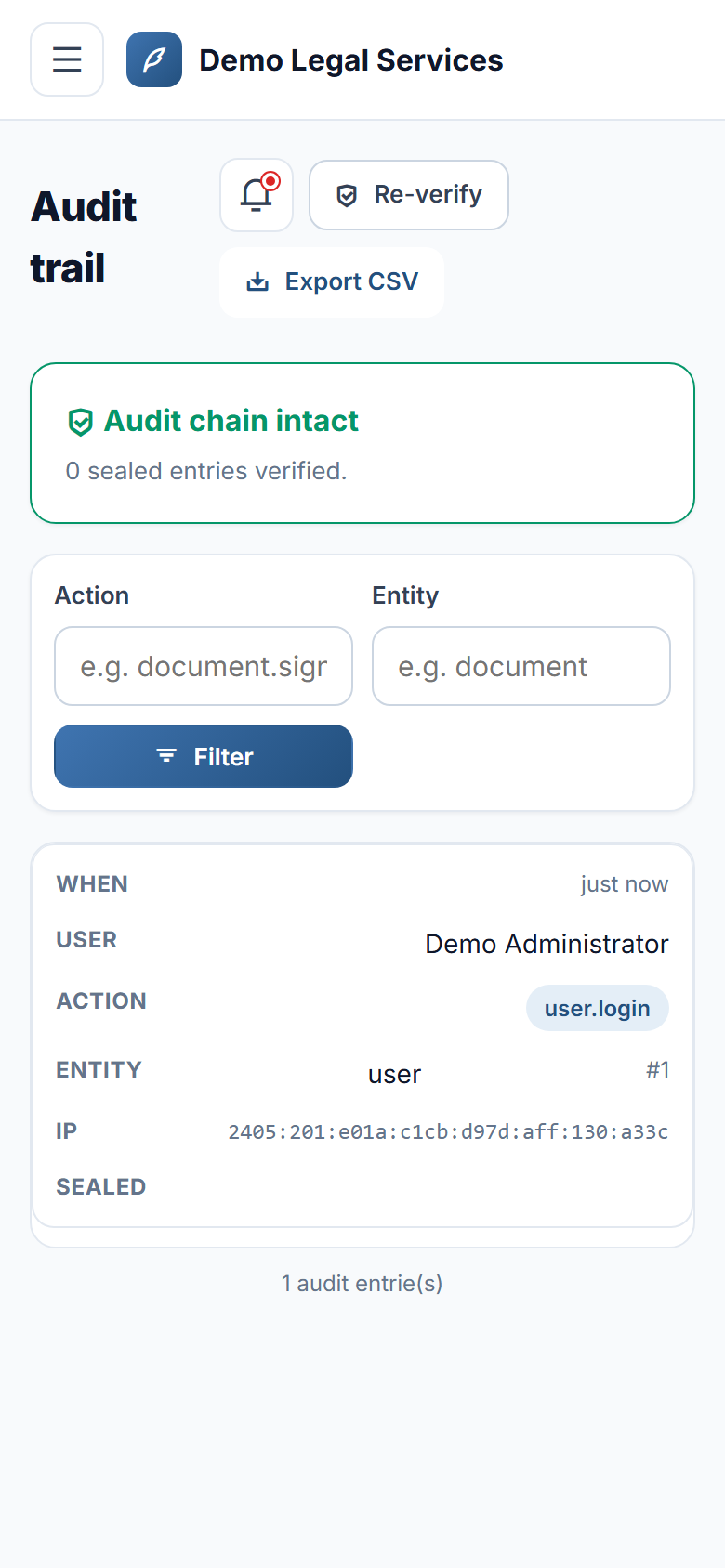
- Tamper-evident audit trailevery view, download, edit, signature and share, verifiable in one click and exportable to CSV
- Member portalinternal signers see what's shared with them and what awaits their signature on mobile
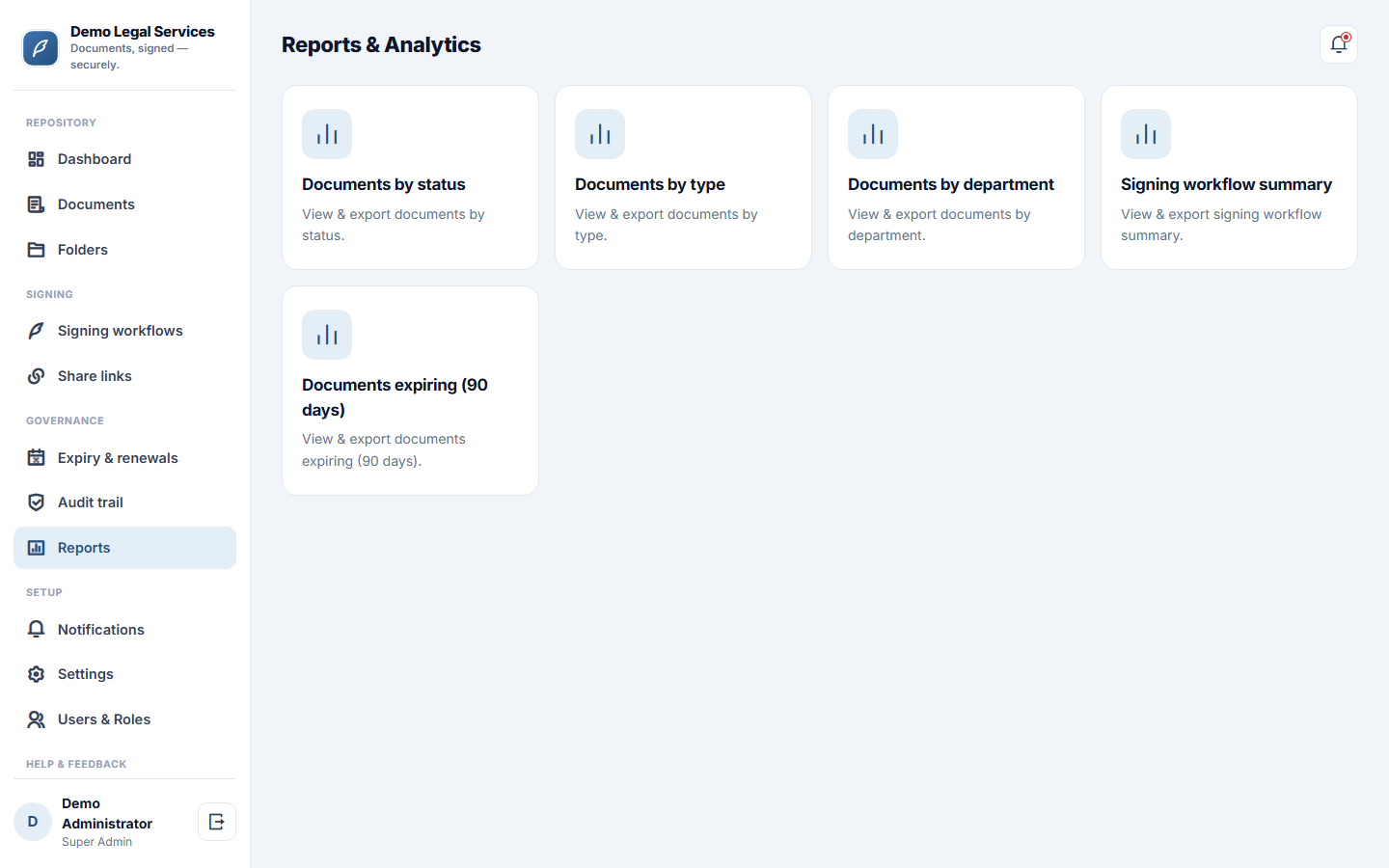
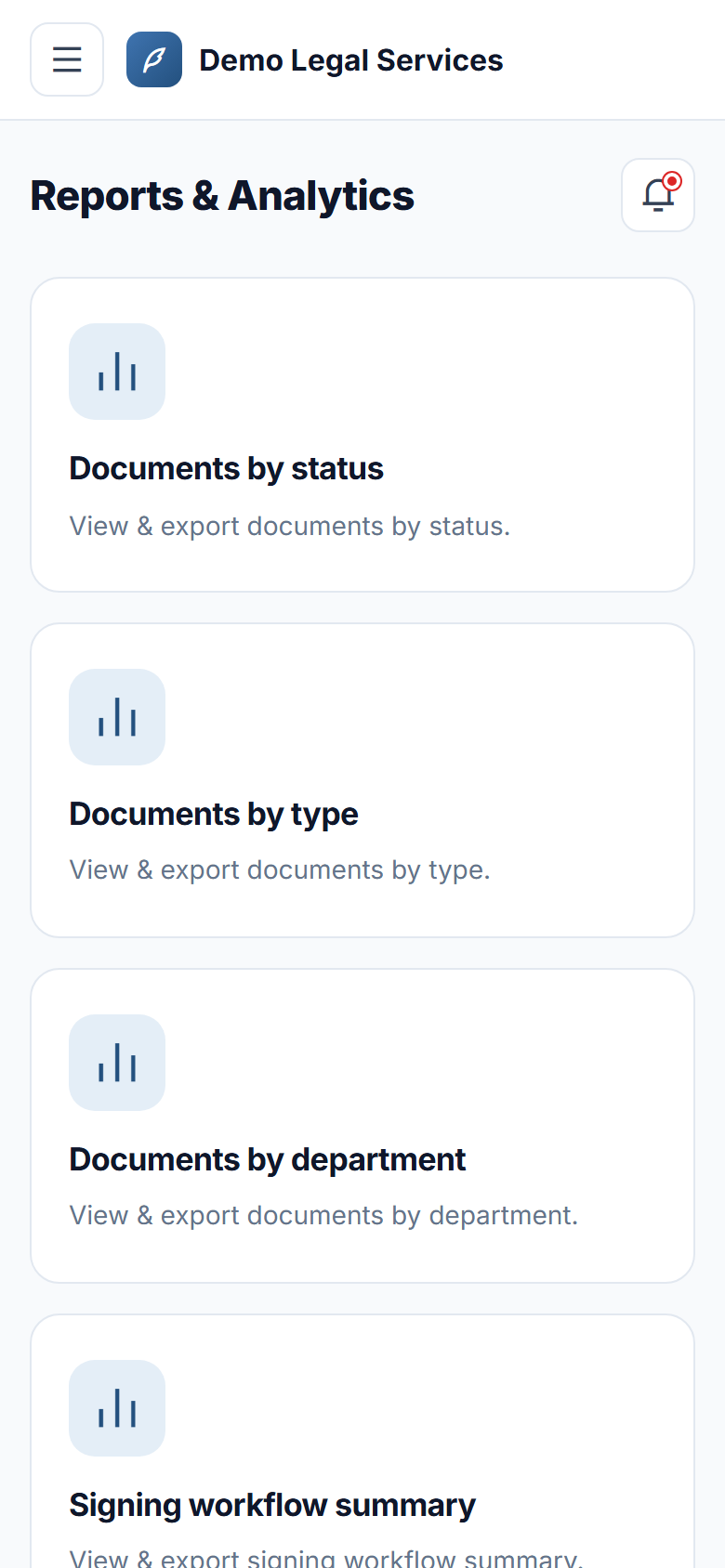
- Reports — documents by status, type and department, signing summary and an expiring-soon list, all exportable
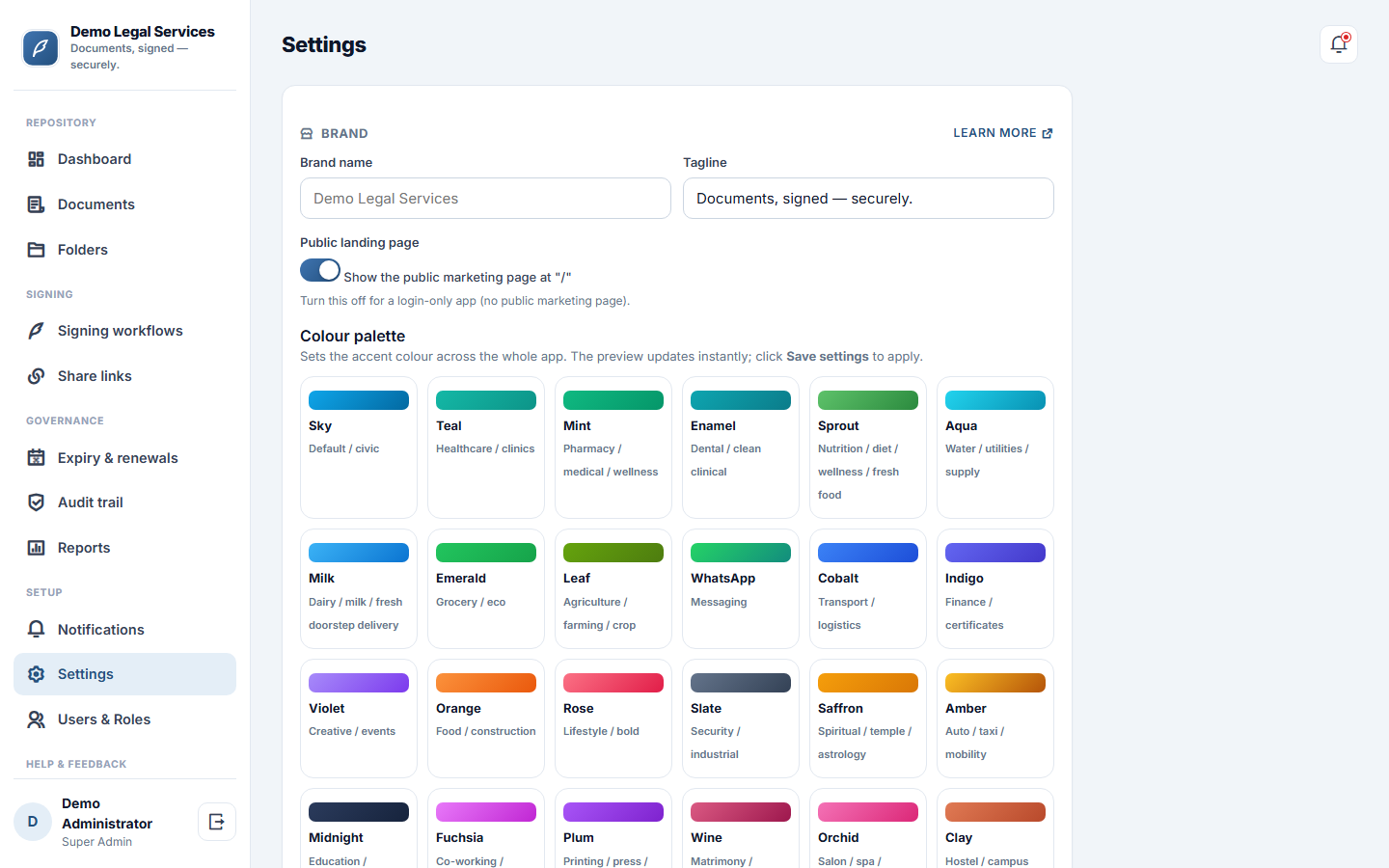
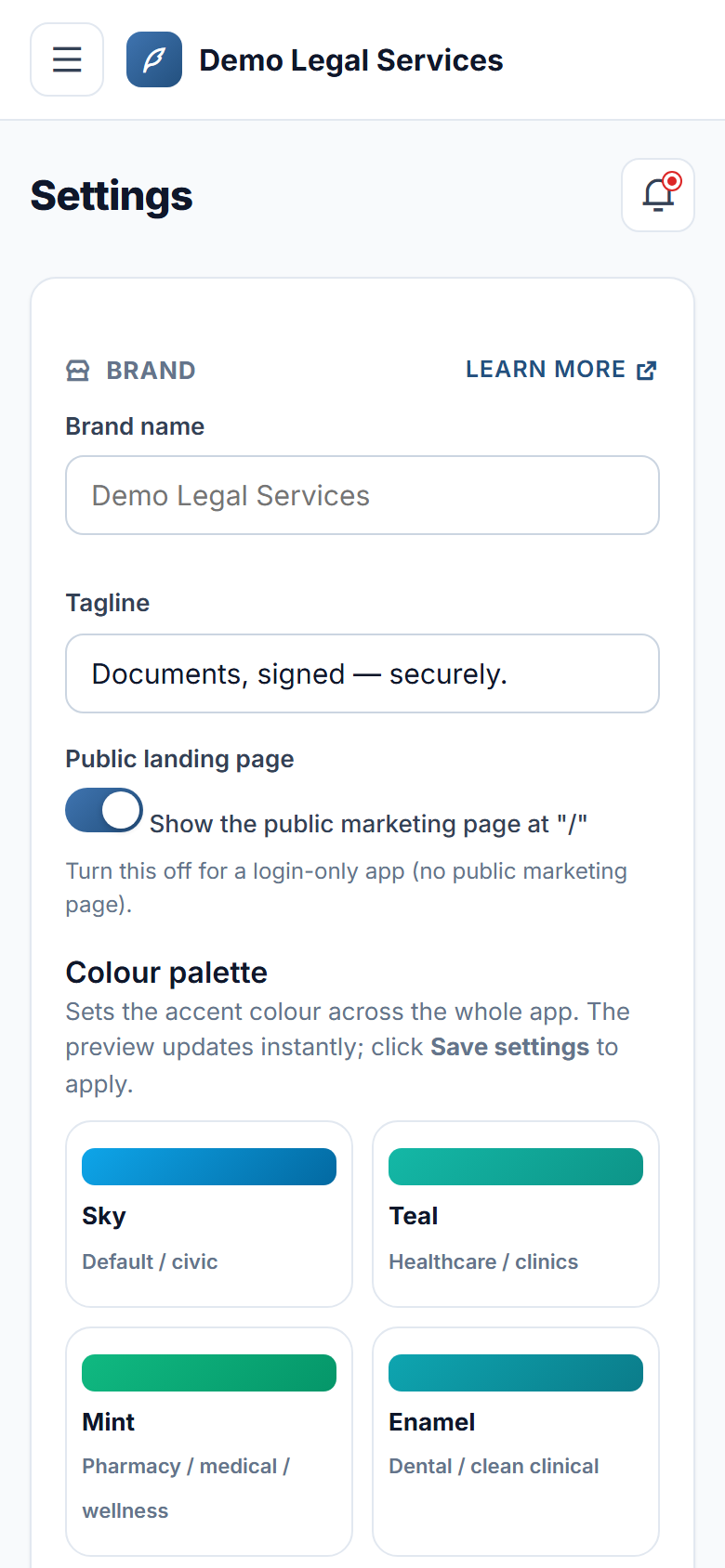
- Make it yoursyour brand, logo, colours and your own email / SMS providers
- REST API to verify signed records from your own systems
What you get
Ratings and reviews
No reviews yet — be the first!
Sign in to write a reviewWhat's new
Report a bug and Request a feature, step by step
- Report a bug and Request a feature are now two separate guided forms, three short steps each.
- A bug report asks what happened, what you did just before and how much it affects you, and notes the screen you were on.
- Attach up to five screenshots: pick them, drag them in, or paste straight from the clipboard. Large images are shrunk for you.
- New help page: Bug reports & feature requests.