v2.8.17
2026-10-14
Users screen and sign-in limits
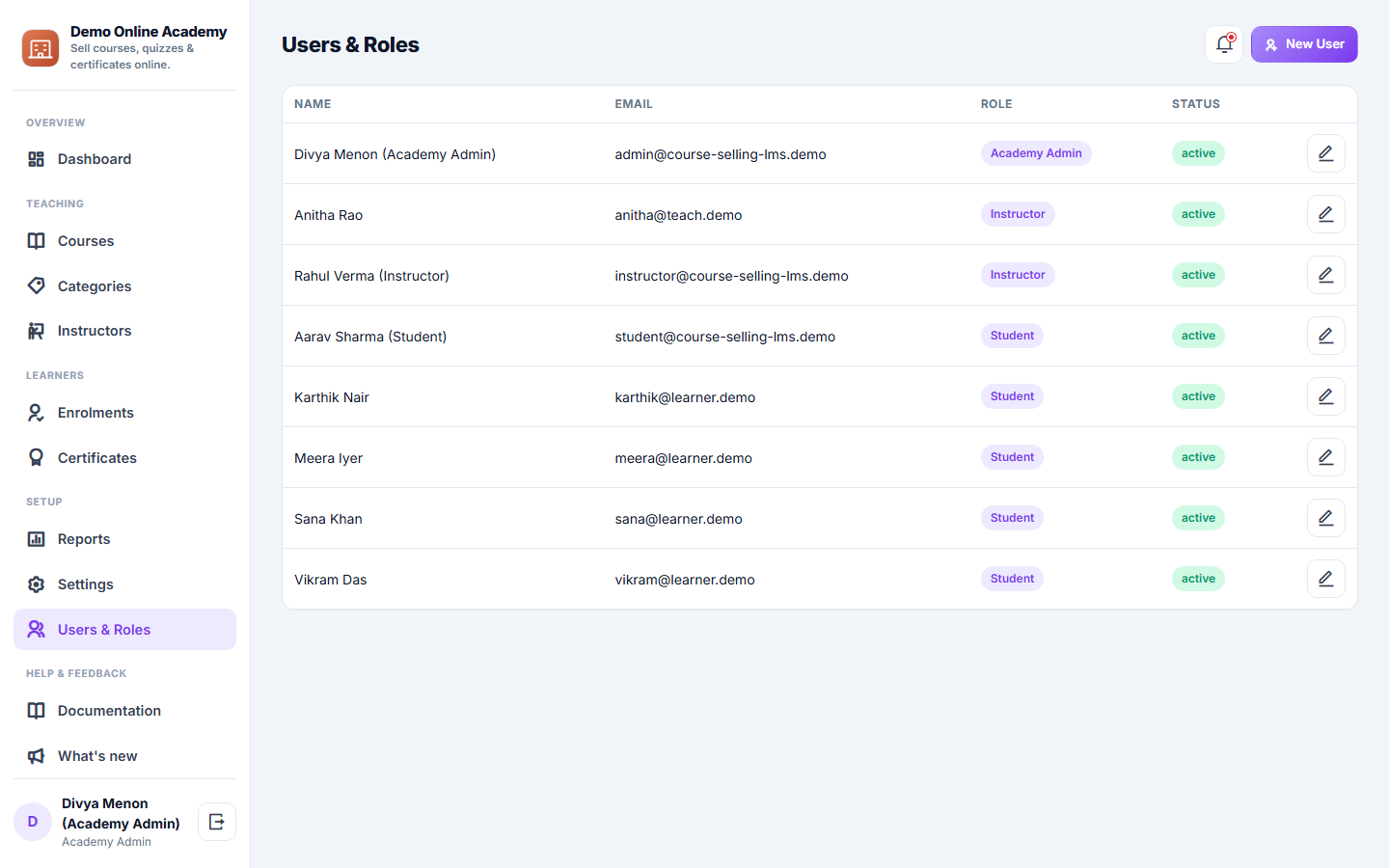
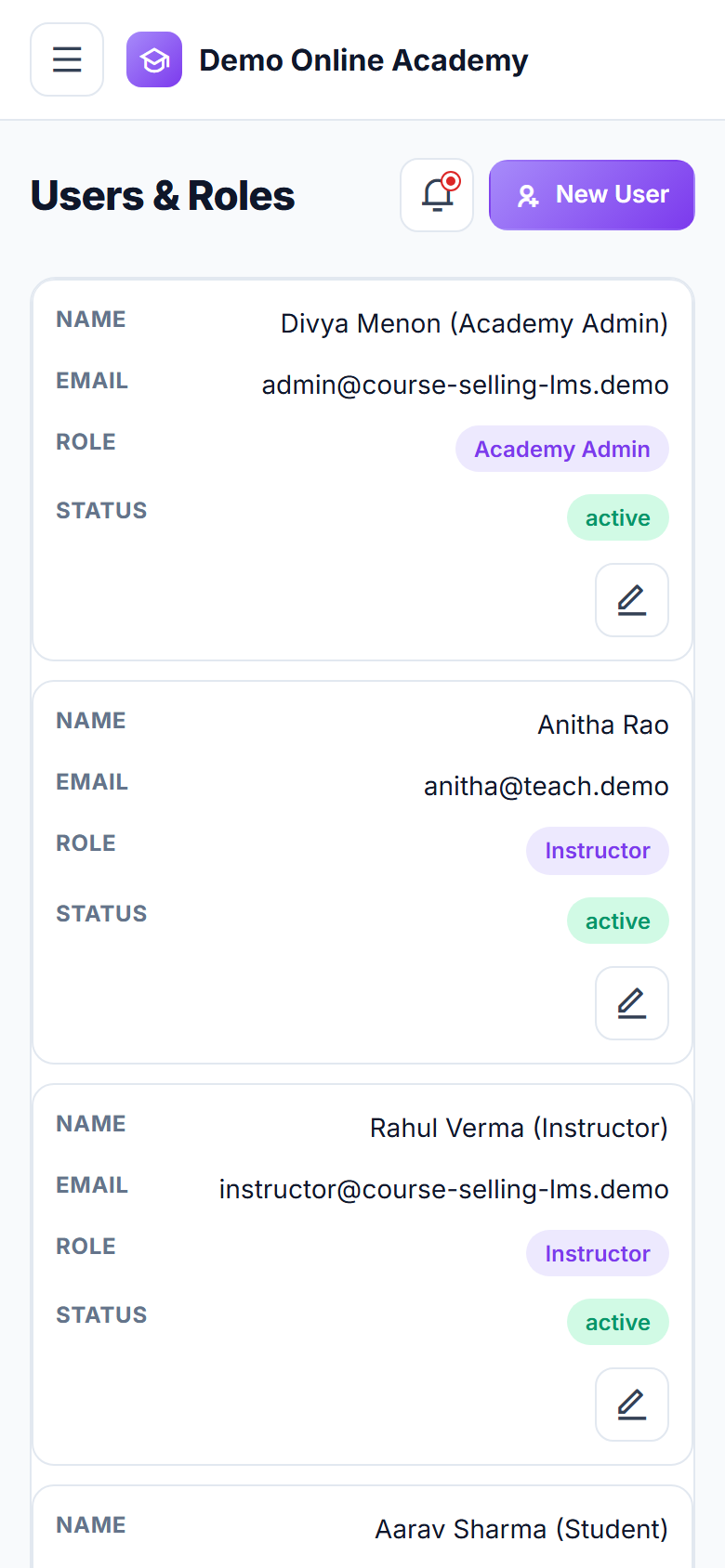
- Adding or editing a user checks every field: an email another login already uses, or a name or phone that is too long, now gets a clear message instead of an error page.
v2.8.16
2026-10-13
Forms handle unusual input quietly
- Every form and filter reads each field as plain text, so an unusual value sent to a form no longer records a warning. Ordinary entries are saved exactly as before.
v2.8.15
2026-10-13
Settings are read in full during set-up
- While a new copy is being set up or its sample data rebuilt, the app now reads every saved setting. Before this update, saving one setting during set-up could make the others (such as message templates and number prefixes) read as blank until the next page load.
v2.8.14
2026-10-13
Search finds exactly what you type
- Every search box treats % and _ as ordinary characters, so a search finds exactly what you typed instead of acting as a wildcard.
- Search handles an unusual web address quietly instead of recording a warning.
v2.8.13
2026-10-12
Logo and favicon uploads use the shared image check
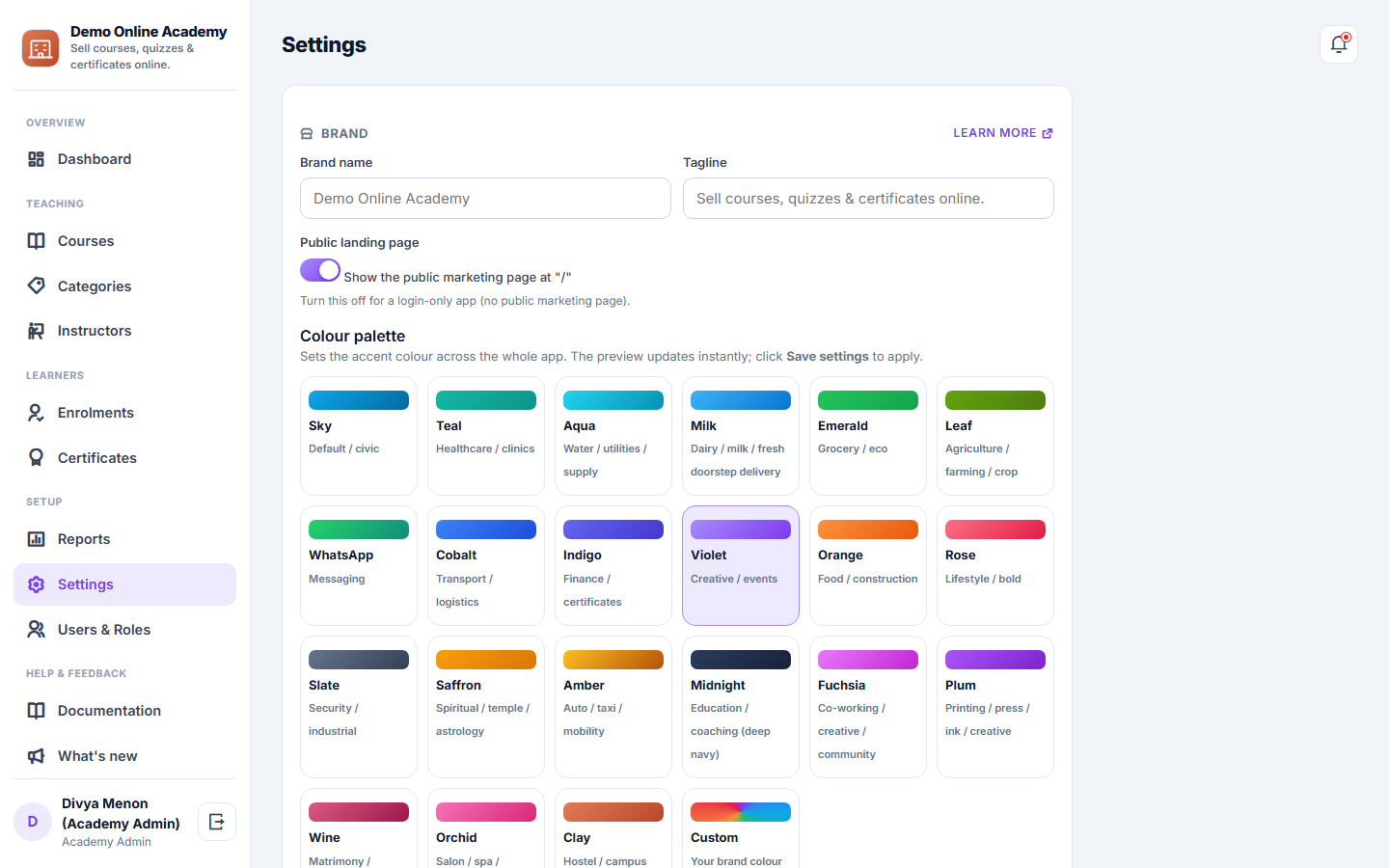
- Uploading a logo or favicon in Settings now goes through the same image check as the rest of the app: the file type is read from the file itself, the size is limited, and an SVG with scripting is refused.
- Nothing changes in how you upload.
v2.8.12
2026-10-12
Security fixes
- Limits on public lookups now apply per visitor, whatever code they try.
- The data API is for staff accounts only.
- The demo cannot change the demo sign-in or staff records.
v2.8.11
2026-10-12
Lists, search and forms handle unusual input
- A list opened with a very large page number now shows its last page instead of an error.
- Search boxes treat % and _ as ordinary characters, so a search finds exactly what you typed.
- When a form is sent back to correct a mistake, what you typed is shown on that form only. Before this update it could also fill in the next form you opened, even for a different record.
v2.8.10
2026-10-12
Security fixes
- Signing out now clears data the app saved on the device for offline use.
- Outgoing email checks the mail server address and cleans every header.
- Access checks for each role were tightened.
v2.8.9
2026-10-12
Security fixes
- Changing or resetting a password signs that account out on every other device.
- An account is locked for 15 minutes after 10 wrong passwords, whichever device they come from.
v2.8.8
2026-10-12
Security fixes
- A user you switch off is signed out at once, everywhere, instead of when their session runs out.
v2.8.7
2026-10-12
Sign-in sessions stay with this app
- A sign-in now only works on the app it was made on, and is cleared if it turns up anywhere else.
- Everyone is asked to sign in once more after this update.
v2.8.6
2026-10-11
A guided tour of the menu
- The first time you open the app, a short tour walks through the menu one item at a time: what each place is for, with Next, Back and Skip.
- Take the tour again from the foot of the menu. On a phone the tour opens the menu for you.
v2.8.5
2026-10-10
Clearer storage notices
- The storage notice in the admin now says how much is used of how much, for example "430 MB of 512 MB".
- The notice at 80% can be hidden for a day with "Hide". From 95% on it always shows.
- When an upload is refused because storage is full, the message names your provider and offers "Buy more storage" when they sell it.
v2.8.4
2026-10-09
Times now follow your local time
- Fixed: due and overdue items, "today" lists, reminders and expiry times now follow your local time. Before, some of them ran up to 5½ hours late, and between midnight and 5:30 AM "today" could show yesterday.
v2.8.3
2026-10-09
Security hardening
- Browsers are now told to always open this app over a secure connection.
- Pictures in SVG format are shown safely: any script hidden inside one can no longer run.
v2.8.2
2026-10-09
Security and reliability update
- Signing in now issues a fresh security token for the new session, so a token from before you signed in can no longer be used.
- This app now runs on the same up-to-date core as every other app, so security fixes reach it at the same time.
v2.8.1
2026-10-08
Buy more storage from the app
- When the app is close to its storage limit or full, the notice now has a "Buy more storage" button that takes you to your provider's store, if they sell extra storage.
- The "storage full" screen leads with the same button, so more space is one tap away.
v2.8.0
2026-10-08
A clearer dashboard: what needs you today, first
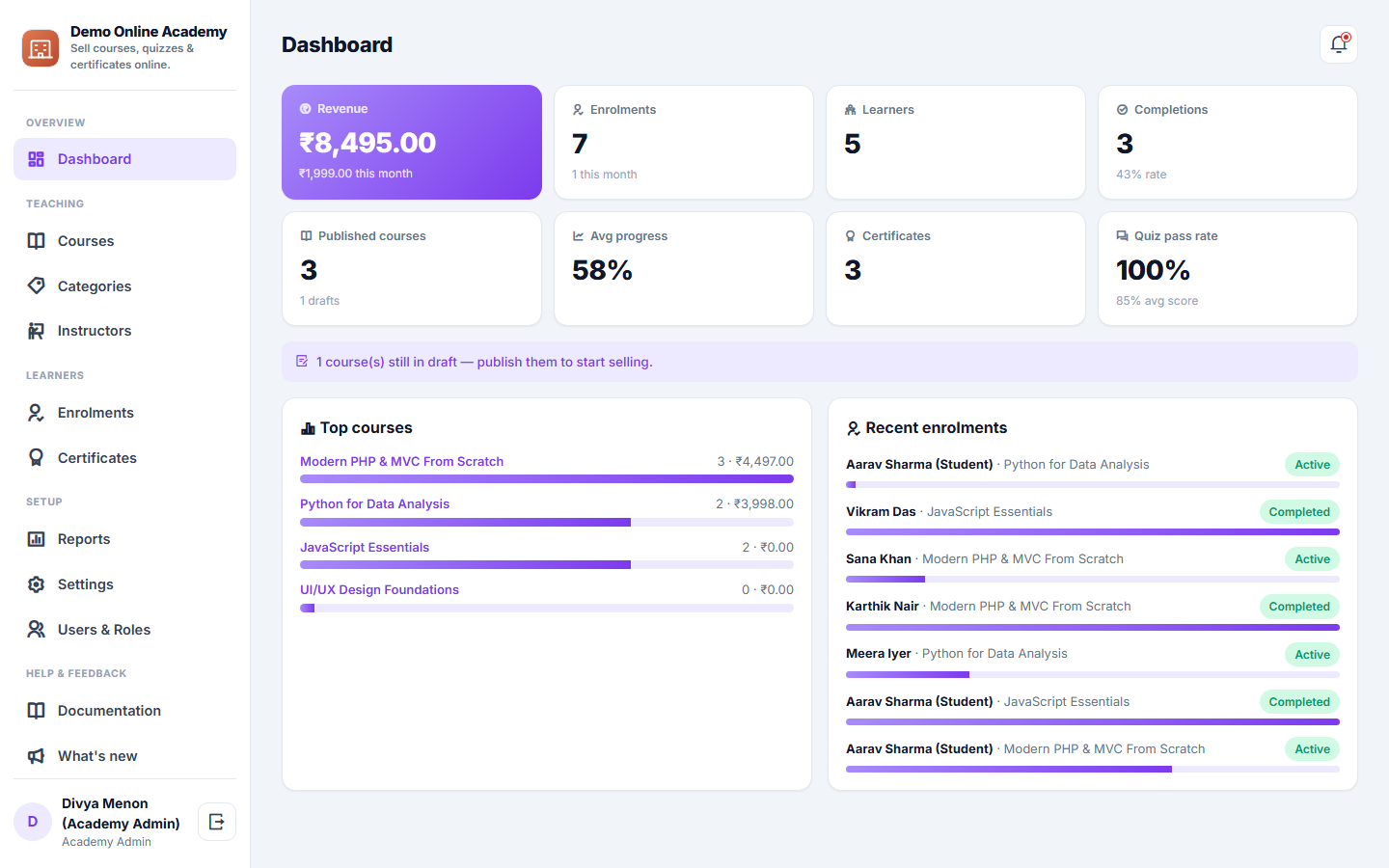
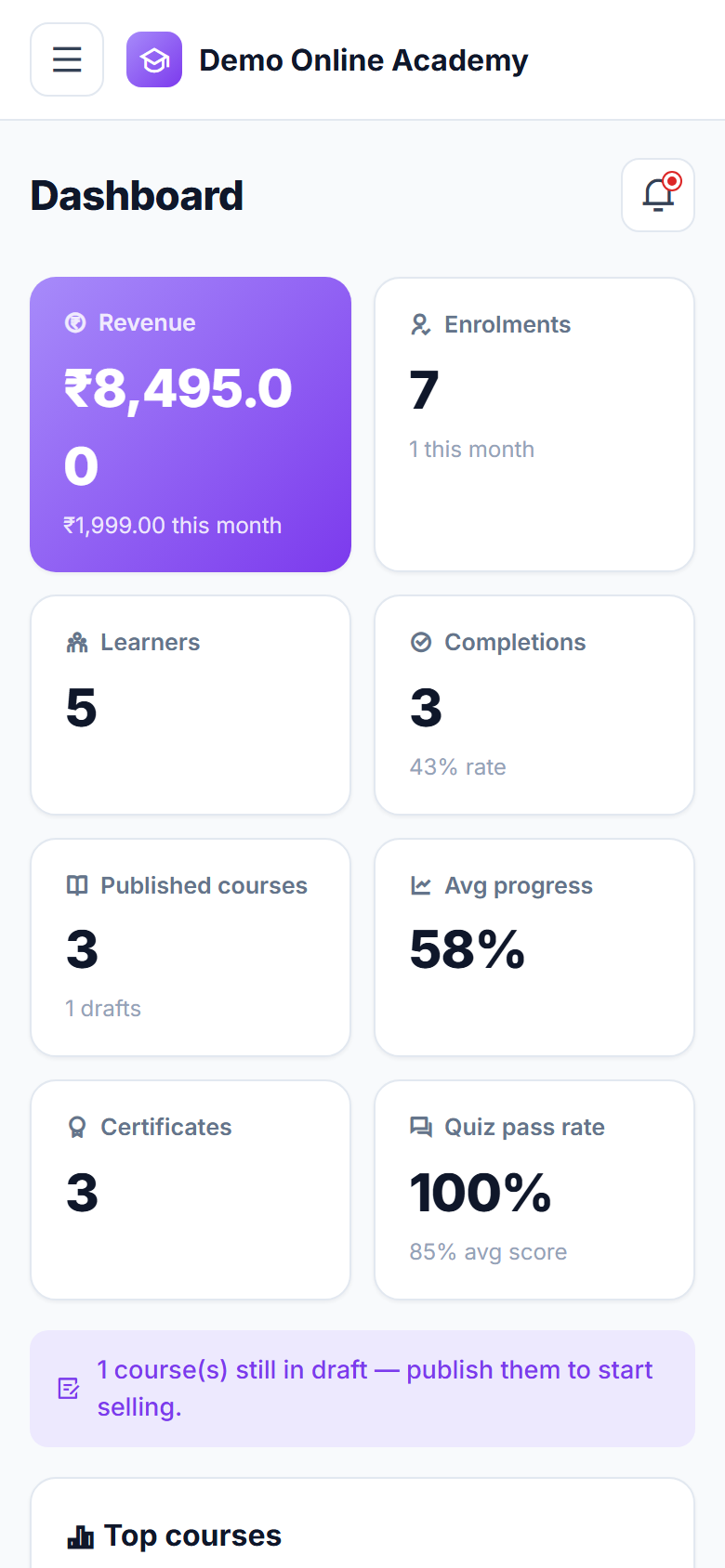
- The dashboard now greets you by name with today's date, and opens with up to four bold tiles for what needs action today. Tap any tile to open the list behind it.
- Amber is used only for things that are overdue or need attention, so they stand out.
- Today's work is shown as a simple list with initials, status and time, and the other totals sit in quieter cards below.
- The side menu shows a small count next to lists that have work waiting.
v2.7.0
2026-10-08
Storage limit notices
- The admin shows a notice when the app has used 80% and 95% of the storage your provider gave it.
- When storage is full, new uploads and imports in the admin pause until more space is added. Everything else keeps working, and your website and customer pages are never affected.
- If your provider uses a hard limit, 7 days after storage fills up the admin shows a "storage full" screen with their contact details and a way to request a full copy of your data. Report downloads keep working.
v2.6.3
2026-10-07
An online payment confirms only the bill it was started for
- An online payment now confirms only the bill, order or booking it was started for, and records the amount the payment gateway was asked to collect. Before, the receipt details of one genuine payment could be sent again to mark a different, larger bill as paid.
v2.6.2
2026-10-07
Payment confirmation refuses when the gateway is not set up
- A payment is now confirmed only when the payment gateway's secret key is set. If the key is missing or has been cleared, the confirmation is refused instead of being checked against an empty key, and the payment stays unpaid.
- Paying online from the customer portal now needs a payment gateway that is set up. Before, with no gateway keys saved, the confirmation step could mark an invoice or booking paid without any payment.
v2.6.1
2026-10-06
Deleting a user works again
- On a user's edit screen, the red delete button saved the form instead of deleting the user, and did not ask first. It now sits on its own row as Delete user, asks you to confirm, and deletes the user.
v2.6.0
2026-10-05
Report a bug and Request a feature, step by step
- Report a bug and Request a feature are now two separate guided forms, three short steps each.
- A bug report asks what happened, what you did just before and how much it affects you, and notes the screen you were on.
- Attach up to five screenshots: pick them, drag them in, or paste straight from the clipboard. Large images are shrunk for you.
- New help page: Bug reports & feature requests.
v2.5.2
2026-10-03
Search works again on the list screens
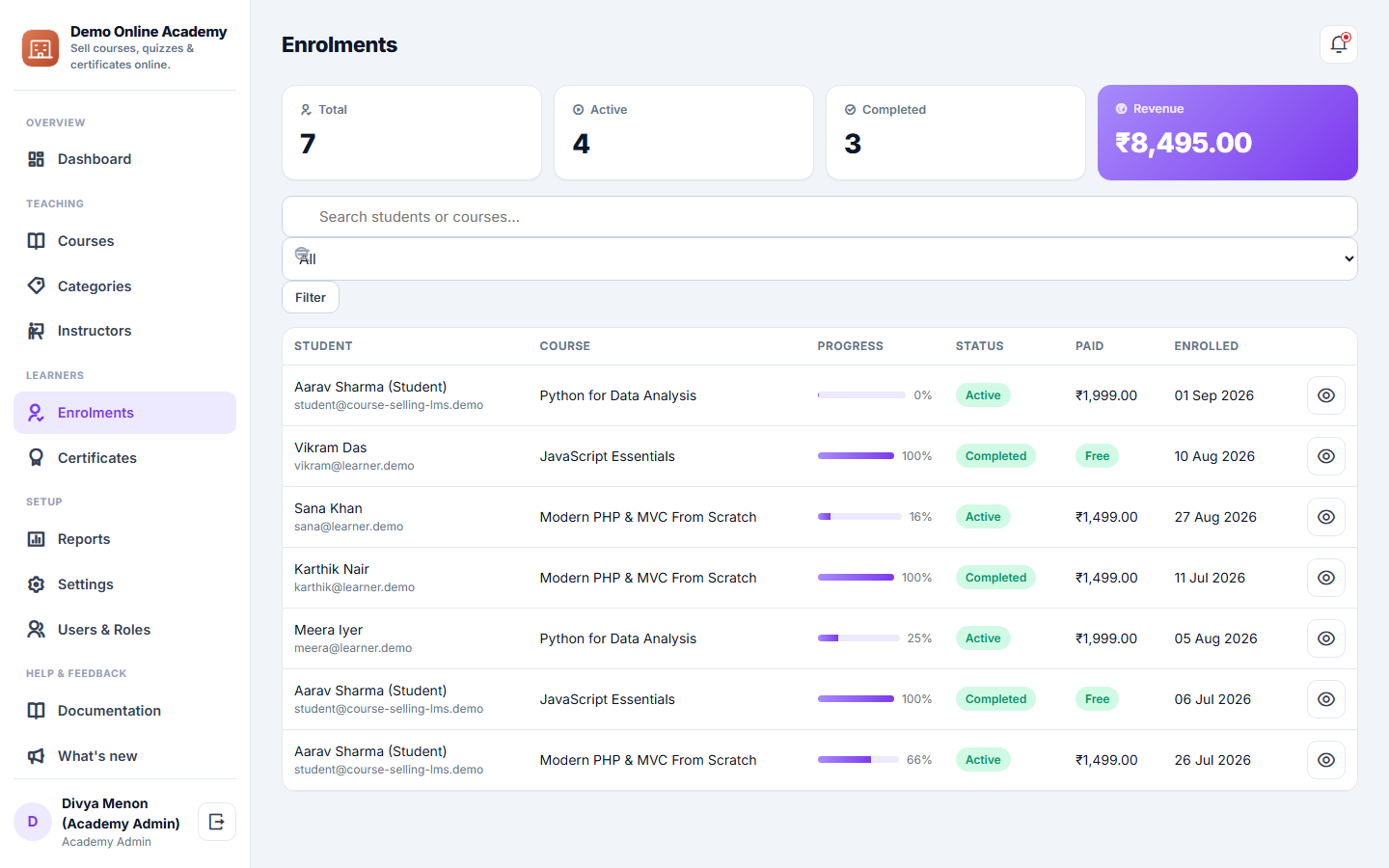
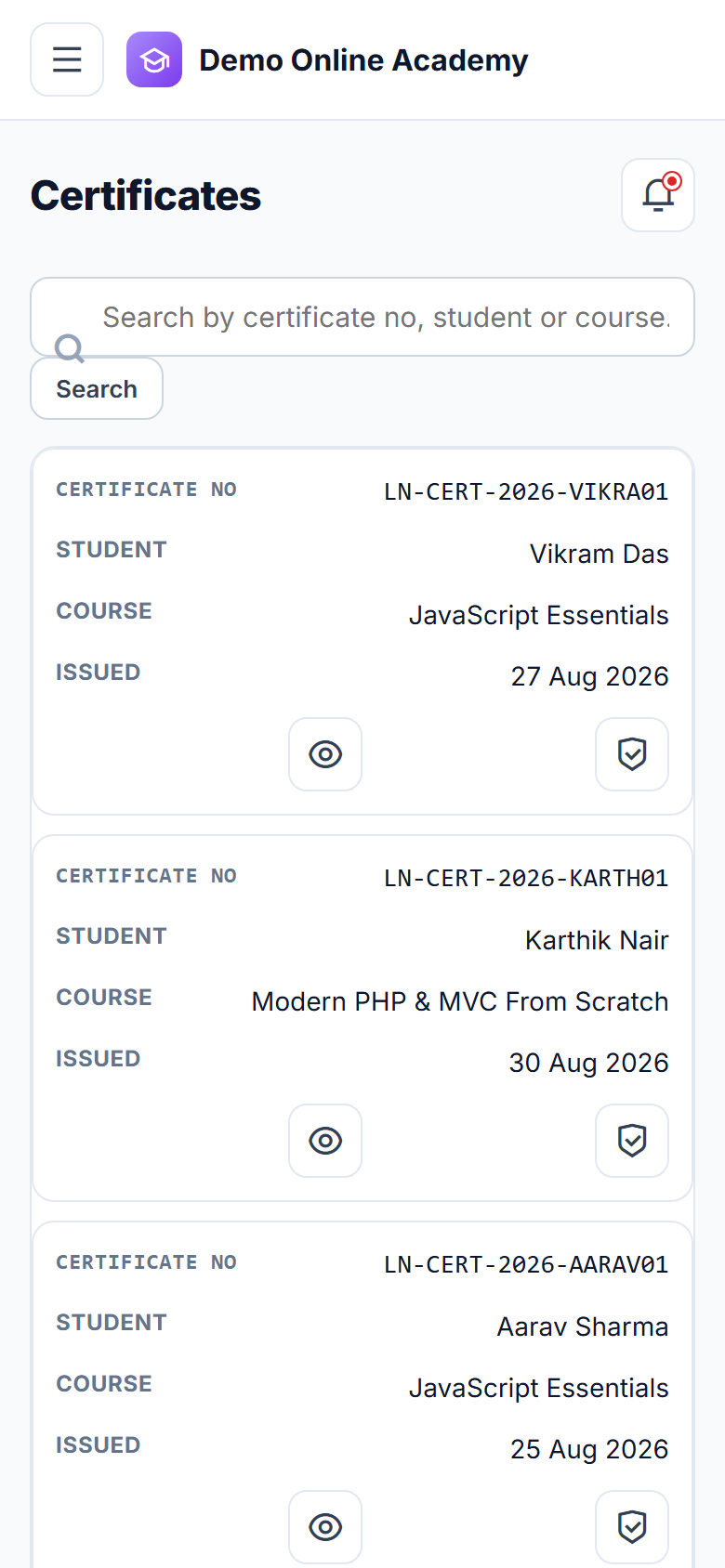
- Typing in the search box on Certificates, Courses, Enrollments, the course browser and the public course catalogue showed an error page instead of results. Search now works again on all of them, and still matches any of the details it looks at.
v2.5.1
2026-09-26
Empty optional fields no longer stop a save
- Saving a record with an optional date, time, number or choice left empty could fail with an error page. An empty value is now saved as blank or as the field's usual default, a value that is really needed is asked for on the form, and a date, time or number the system cannot store is sent back to the form with a clear message. Saving a record that repeats one that must be unique (the same code, time slot or login, for example) now says so on the form instead of failing.
v2.5.0
2026-08-30
Use your own web address
- Settings now has "Your web address" — connect a domain you already own (for example book.yourbusiness.com) to this app yourself, without going back to your provider.
- We show the exact DNS record to add, check it for you, and switch on a secure HTTPS certificate automatically once it is detected.
- Your original address keeps working, so links and bookmarks people already have are never broken.
v2.4.2
2026-07-30
Notification templates now honored for every message type
- Fixed a shared-kernel bug: notifications for anything other than the 'otp' code were ignoring your custom message copy in Notification Templates and sending generic placeholder text (or the raw template code) instead.
- Notify::user() now looks up the active template body by code first, falling back to the built-in starter copy only if no matching template row exists.
v2.4.1
2026-06-15
In-app handbook & instructor analytics
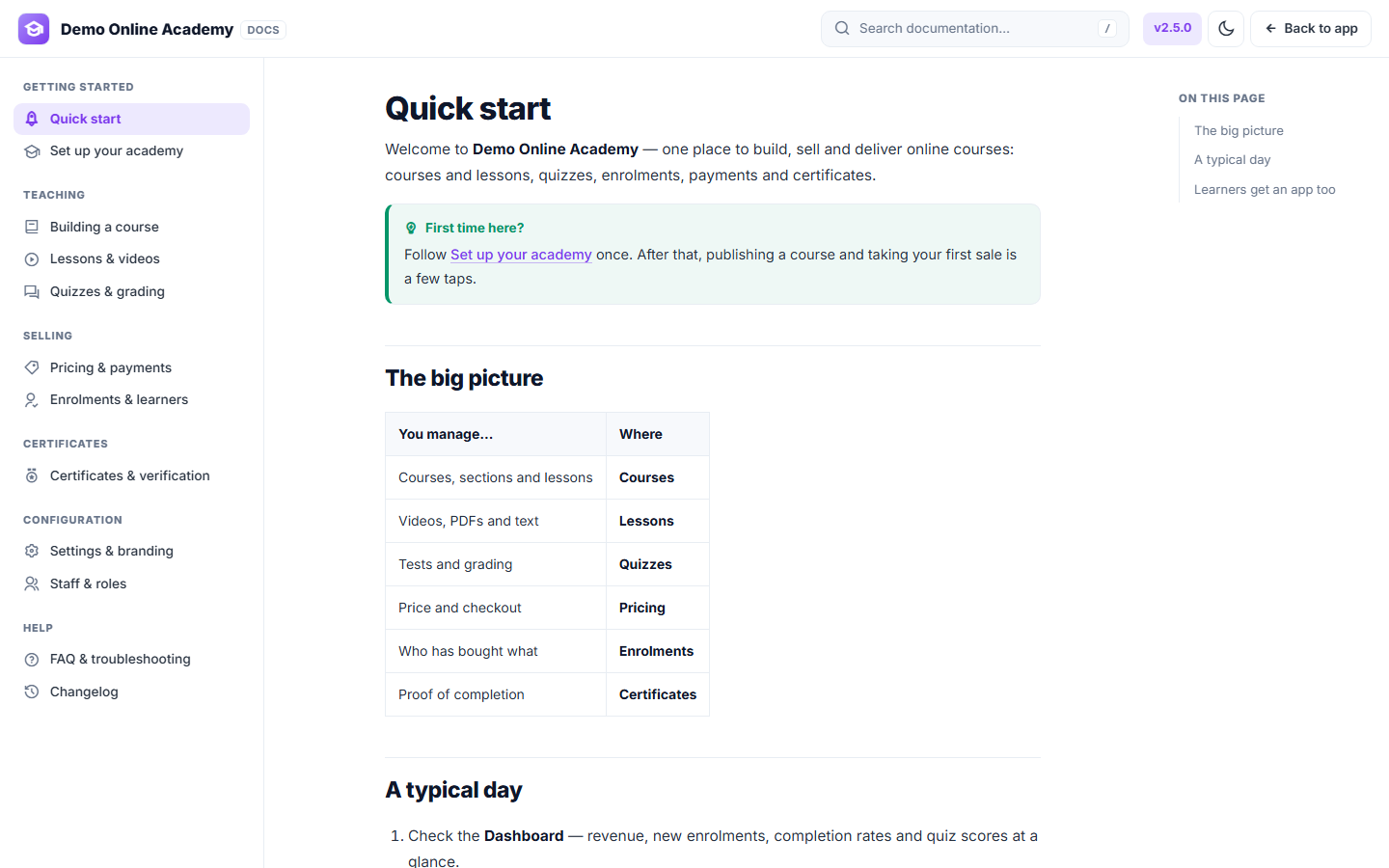
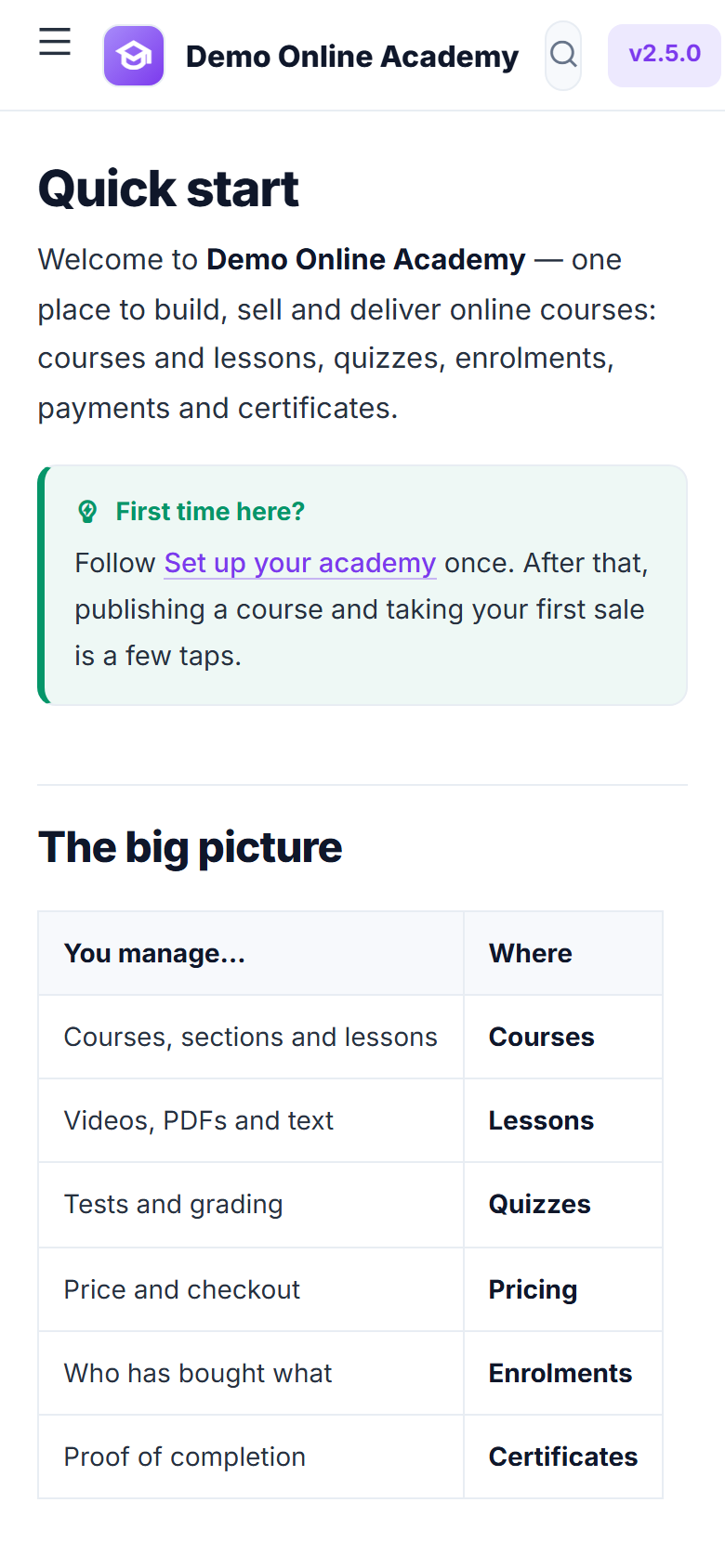
- New searchable in-app Documentation handbook with light & dark mode.
- The dashboard now shows completion rates and average quiz scores per course.
- A "What's new" panel announces every release to your academy team.
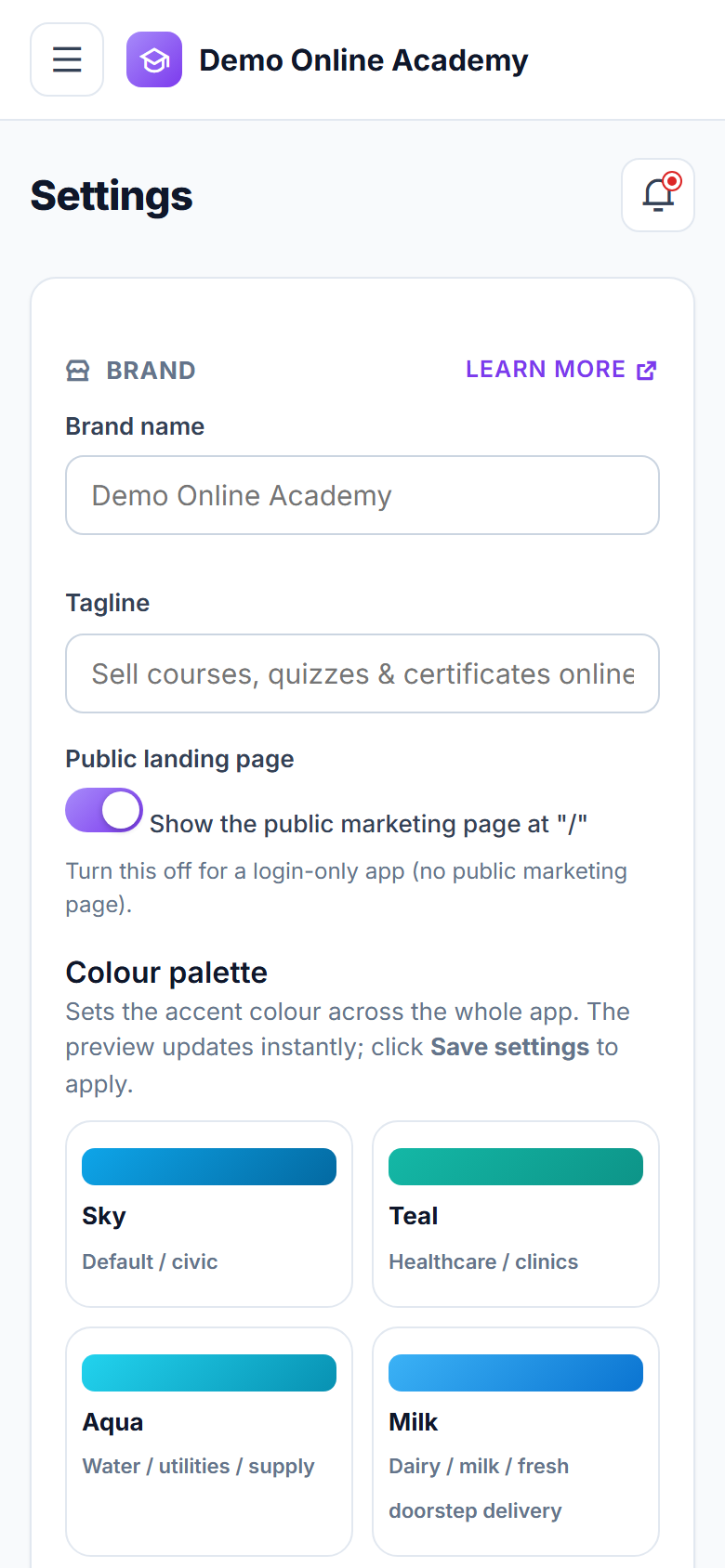
- White-label polish — your logo, brand name and colours across every screen.
v2.2.0
2025-07-22
Installable player & progress tracking
- An installable learner app that plays on any phone or desktop.
- The player remembers the last-watched position in every video.
- Learners tick lessons complete, with a per-course progress bar.
v2.0.0
2024-08-19
Quizzes & certificates
- A quiz engine with multiple-choice and true/false questions, auto-graded.
- Answer explanations shown to learners after each attempt.
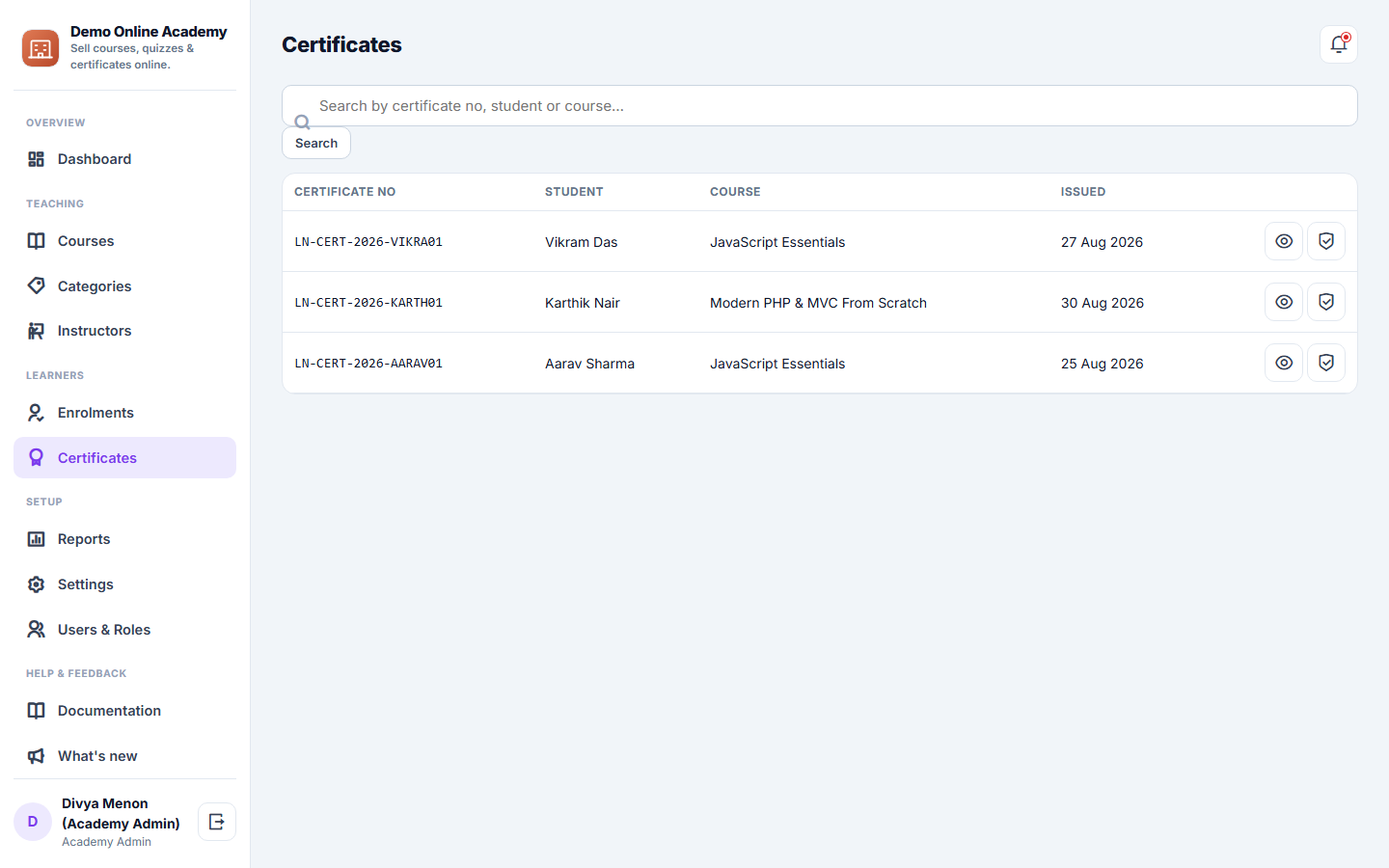
- Verifiable completion certificates with a unique certificate number.
v1.4.0
2023-12-04
Paid courses & online checkout
- Sell paid courses with secure online checkout.
- Paid courses unlock automatically the moment payment succeeds.
- Free-preview lessons to let visitors sample a course before buying.
v1.0.0
2023-05-15
First release
- Build courses from sections and lessons — video, PDF and text.
- A public catalogue and per-course sales pages.
- Free-course enrolment and a web video player.